Black Friday sale: Starter 30% off, +50% credits on every bigger packGet the deal →
How-to guide

How to make the Zombie Love Story AI video

Sound includedFailed videos refunded automaticallyPhotos deleted after 30 days

Updated 2026-11-26

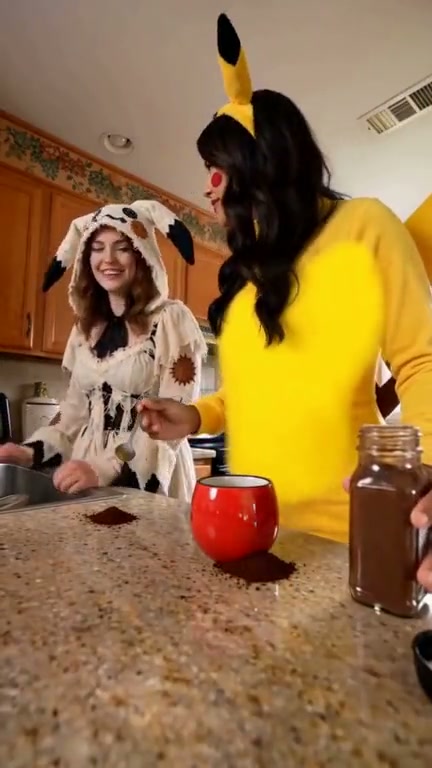
Upload 2 photos, one for each person in the template, choose Zombie Love Story AI, and download the 15-second 9:16 video with sound. A full video costs 50 credits.
  1. 01
    Choose the template

    Open Zombie Love Story AI and check the photo count and length.

  2. 02
    Add your photos

    Add each photo to its matching slot.

  3. 03
    Generate the video

    Start the 15-second video. A full video costs 50 credits.

  4. 04
    Download and post

    Download the video with sound and post it.

What you need

  • 2 clear, well-lit photos of adults who agreed to be used
  • A phone or computer with a browser; no app to install
Make your own Zombie Love Story AI video
Make my video

Back to the generator: make a trend video from a photo

Photo in
AI-generated video
2 · Add your photos
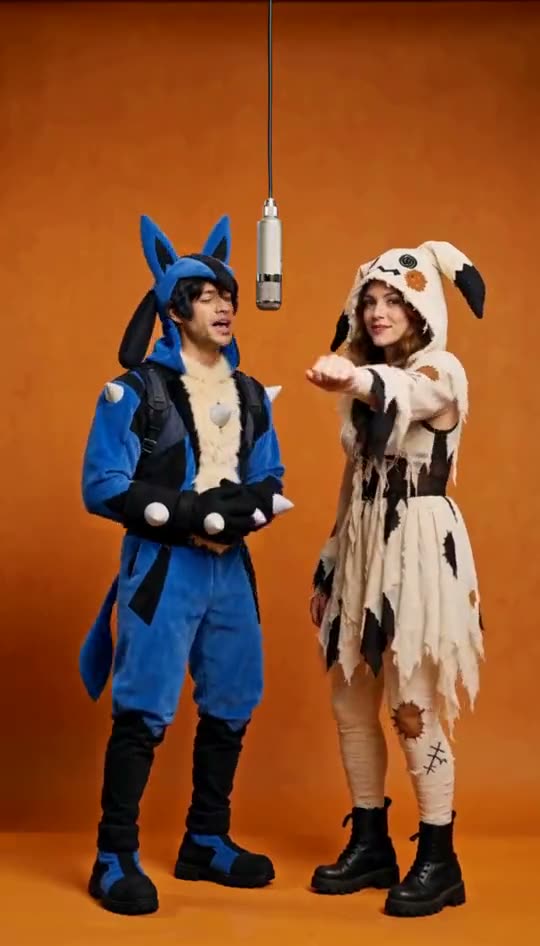
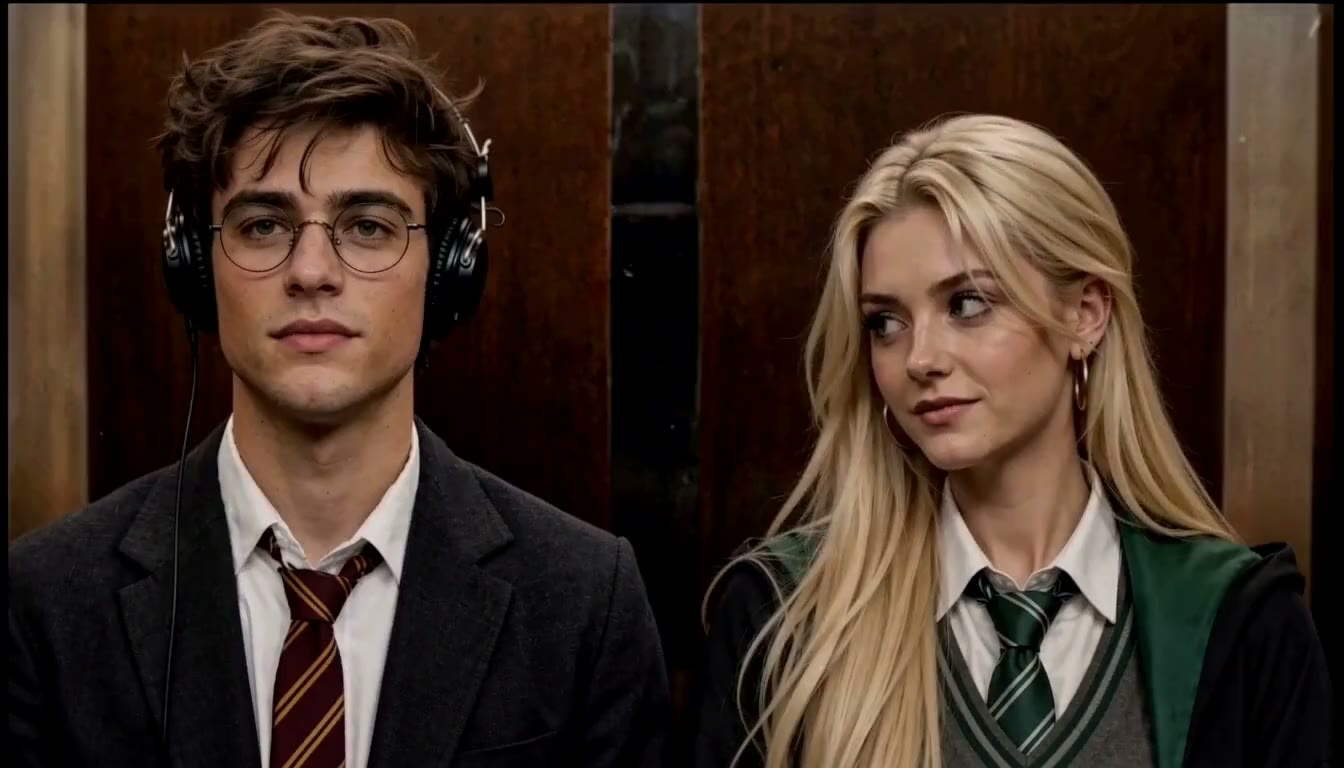
Zombie Love Story AI template preview
Zombie Love Story AI
15s · 9:16 · 50 credits · 720p · Audio included
Photo tips · JPG / PNG / WEBP, up to 10 MB
  • ✓One person per photo, facing the camera
  • ✓Face clear and well lit — no sunglasses, hats or hands over it
  • ✓Show the outfit: a photo from the head to the waist or knees
  • ✓No mirror selfies or phone in hand — it can show up in your video

🎵 Audio is included in the video. Tap the speaker icon to turn sound on or off.

Automatic refund if it fails. Not happy with the quality? Email support@clonethevideo.com and we'll look into it; if we confirm a quality problem, you get a refund. Refund Policy

You see the price before you pay. Credits never expire. Pricing

Questions people ask

Do I need to edit the video?+

No. The video is ready to post as it is.

What if it fails?+

Failed videos give their credits back automatically.