 Clone the Video

 You Never Let Her Pay AI1 input photo · 9:16 · 12s
 NewNo Scrubs AI3 input photos · 9:16 · 15s
 Wassup in a Minute AI3 input photos · 16:9 · 14s
 Coffee Fail AI2 input photos · 9:16 · 15s
 Put The Rollie On My Wrist AI2 input photos · 9:16 · 9s
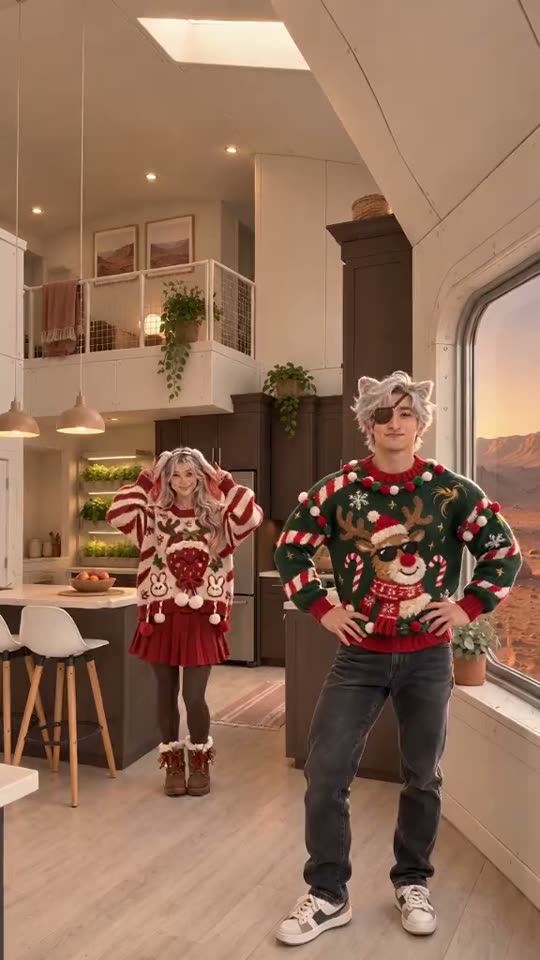 Christmas Dance AI2 input photos · 9:16 · 15s
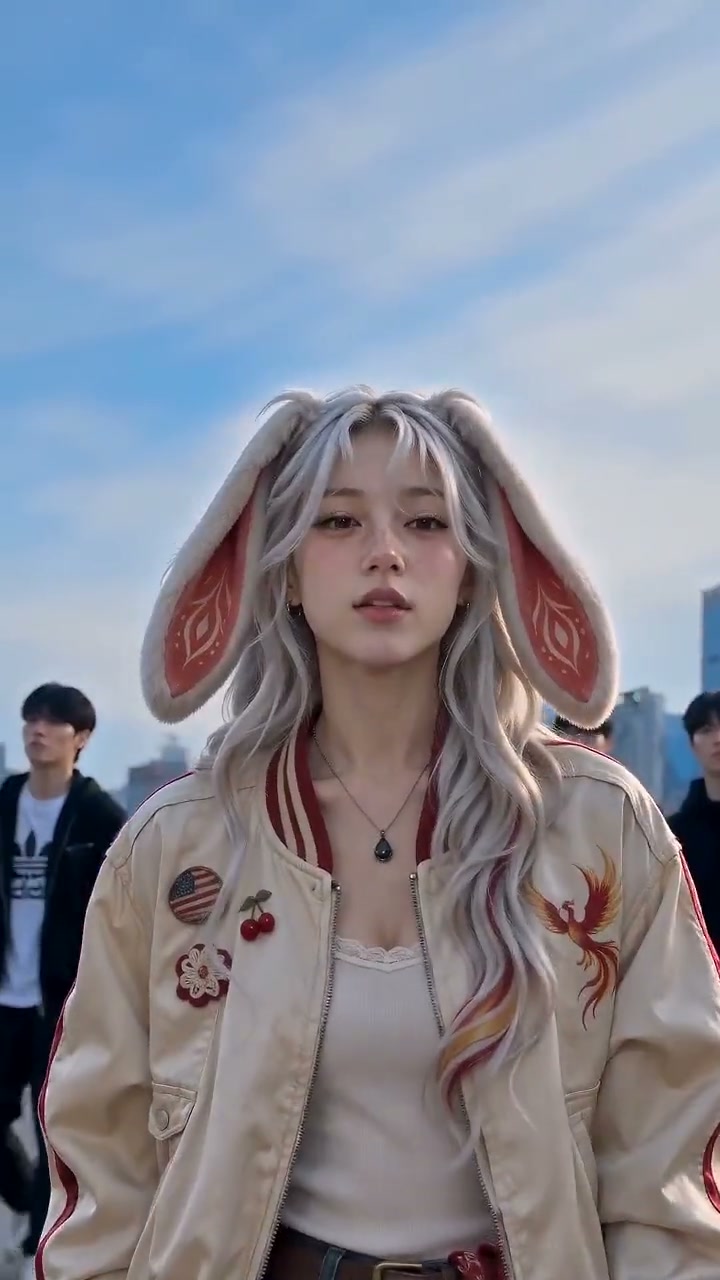 King Jin AI Trend1 input photo · 9:16 · 10s
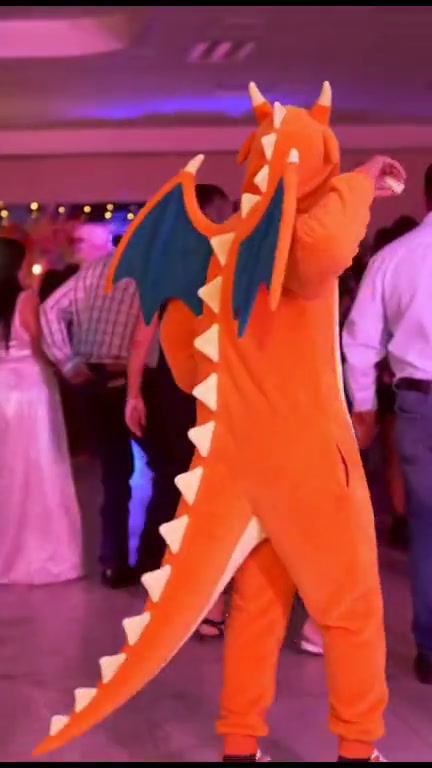 Dime Dime Baby AI1 input photo · 9:16 · 9s
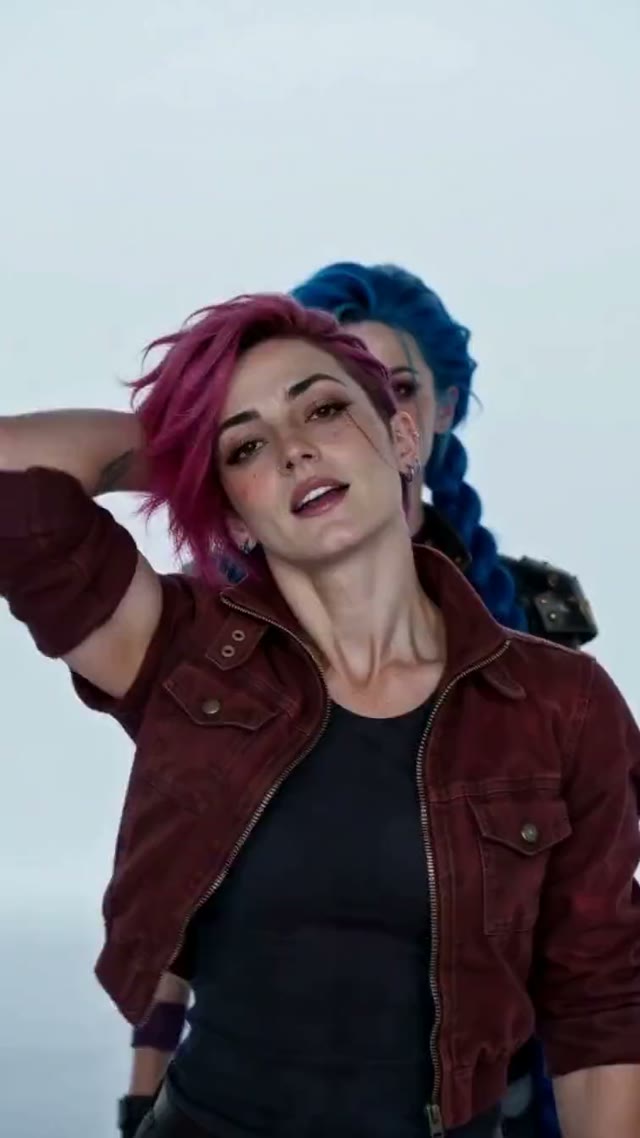 A2O LITE “NEON” Duo Dance2 input photos · 9:16 · 15s
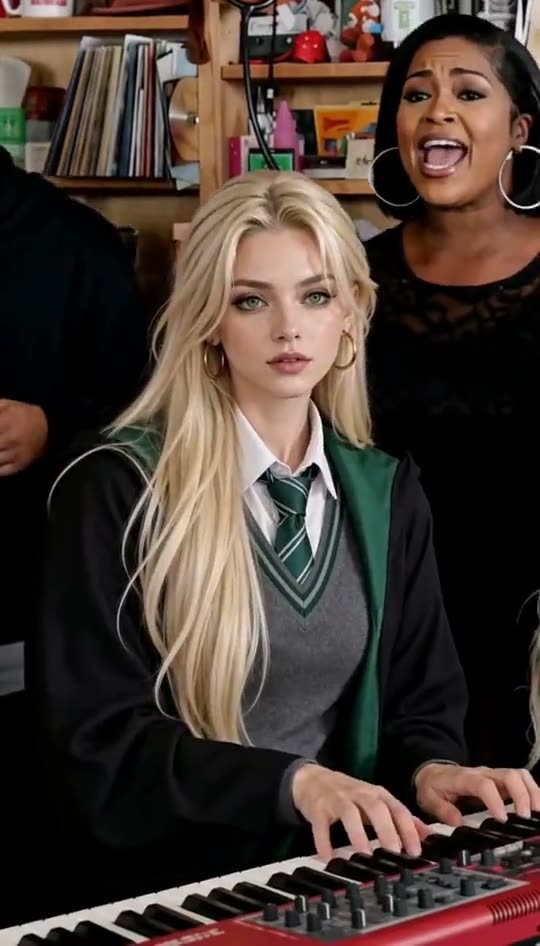 Outstanding Tiny Desk AI1 input photo · 9:16 · 15s
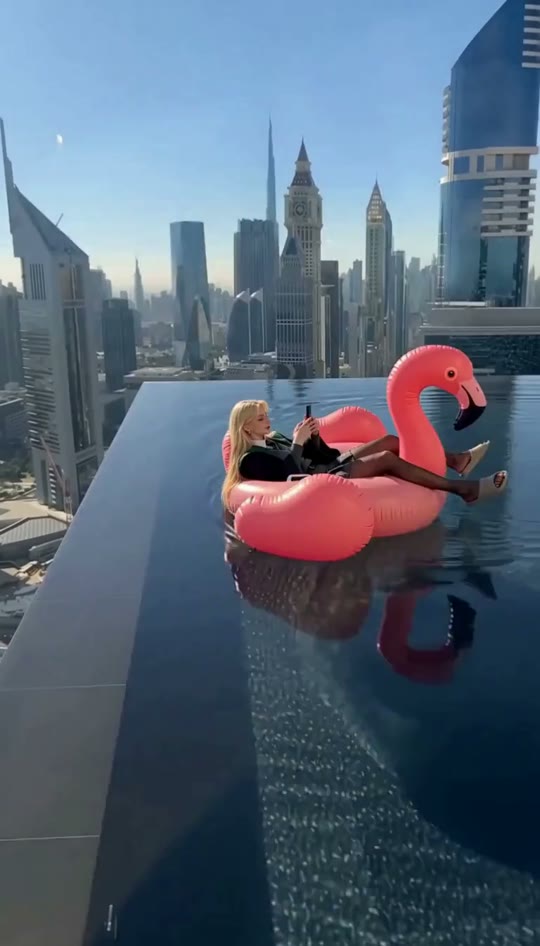 Flamingo Float AI1 input photo · 9:16 · 12s
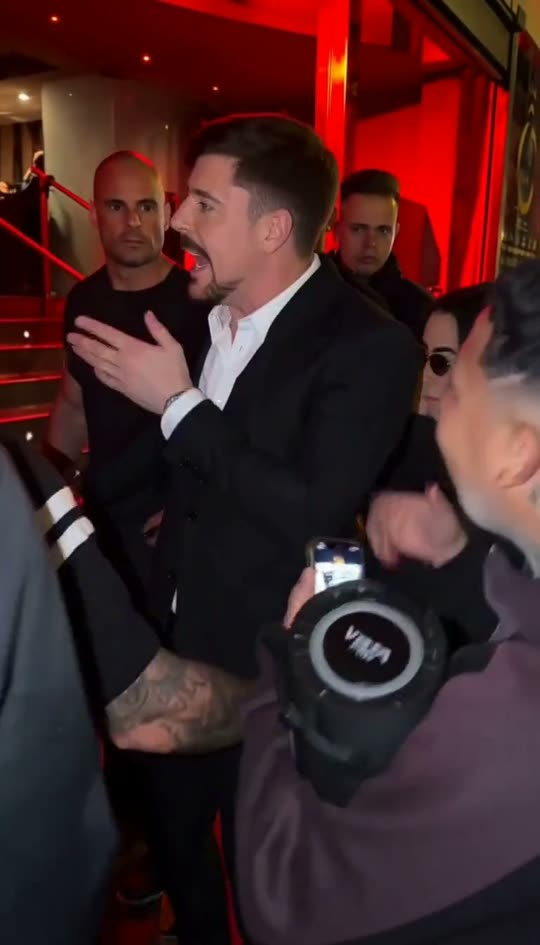 Bulin 47 AI1 input photo · 9:16 · 15s
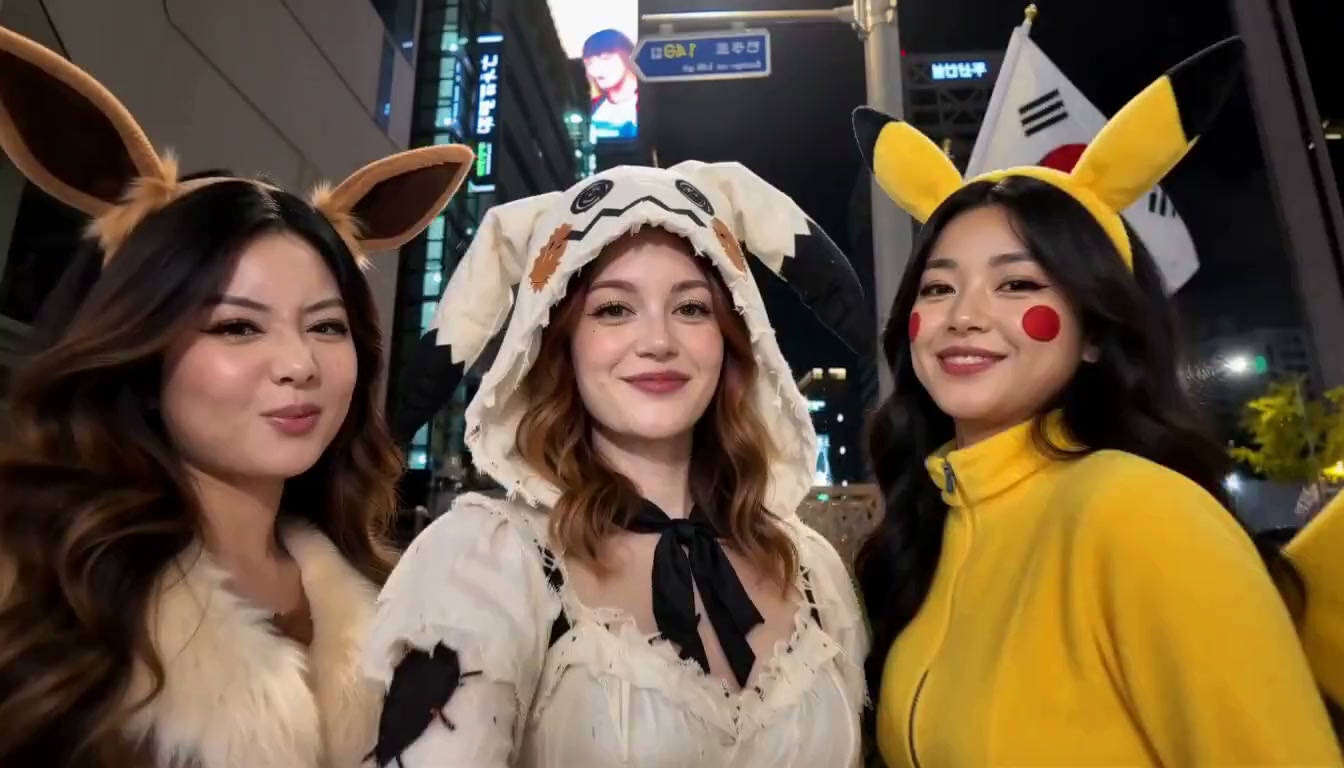 Gangnam Style AI3 input photos · 16:9 · 15sDame Hombro AI1 input photo · 9:16 · 15s
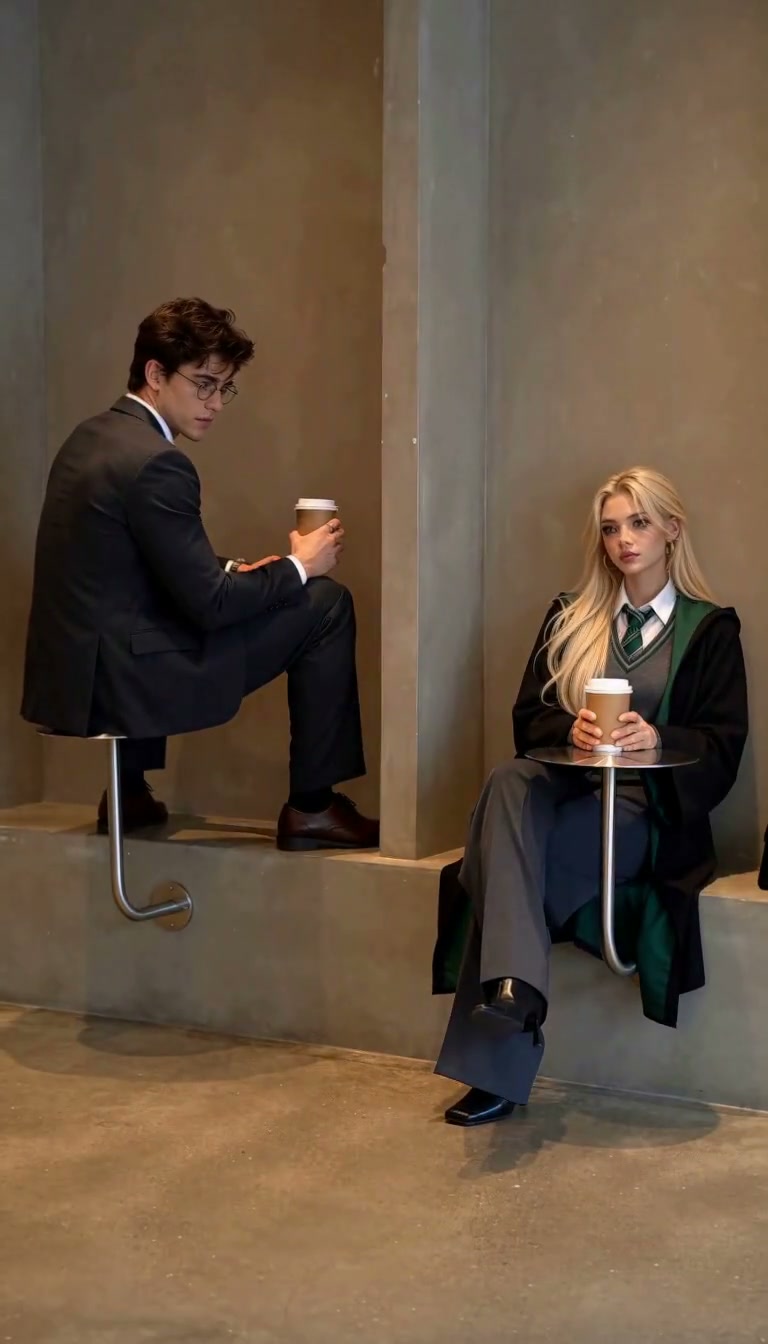 First Time in a Fancy Cafe AI2 input photos · 9:16 · 15s
 Thriller Dance AI1 input photo · 9:16 · 15s
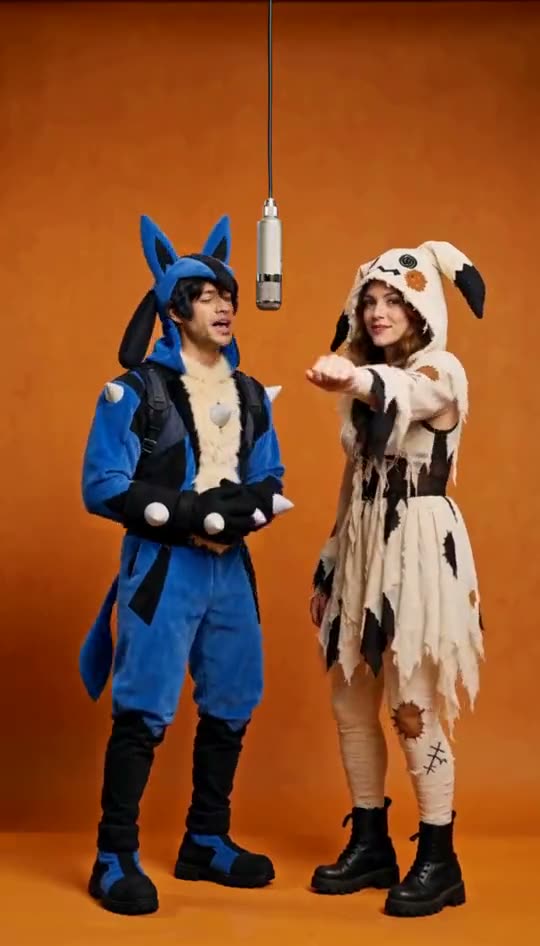 Hotel Lobby AI2 input photos · 9:16 · 15s
 Zombie Love Story AI2 input photos · 9:16 · 15s
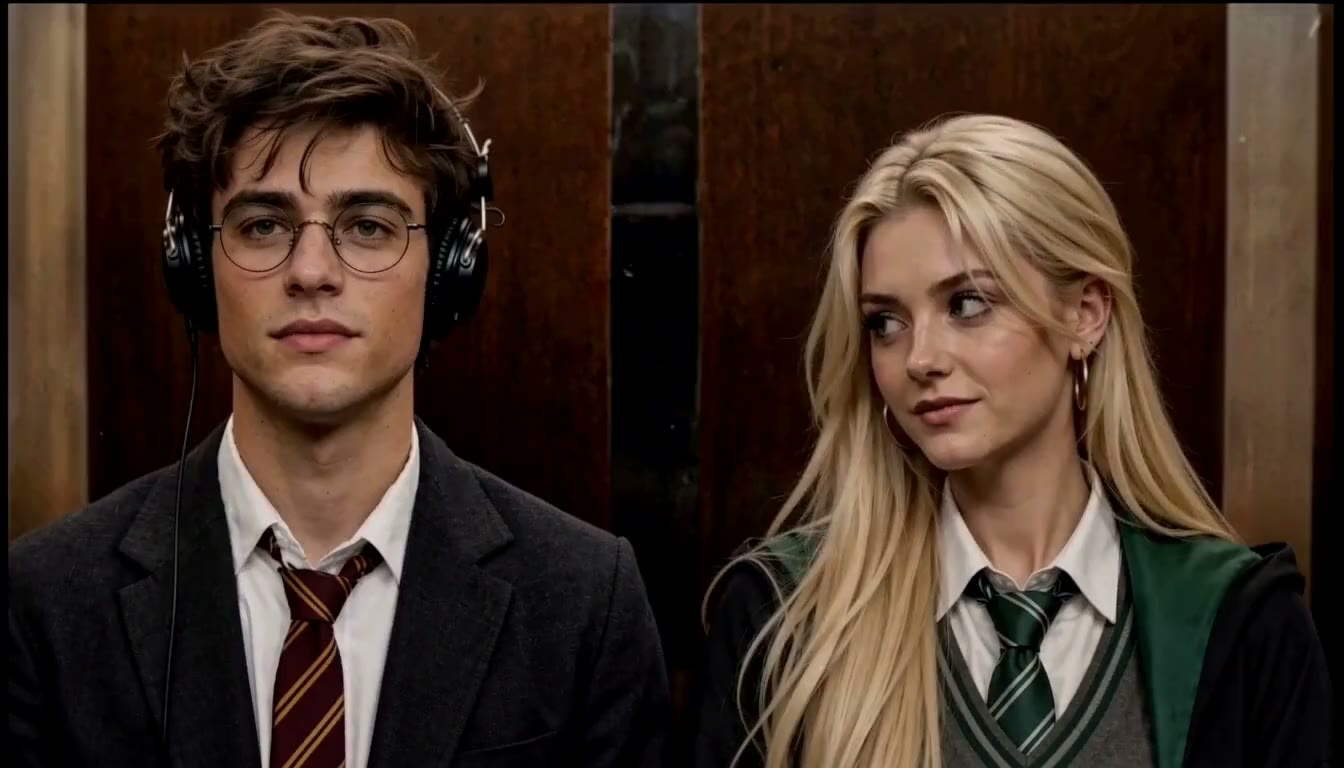 I Love The Smiths AI2 input photos · 16:9 · 14s
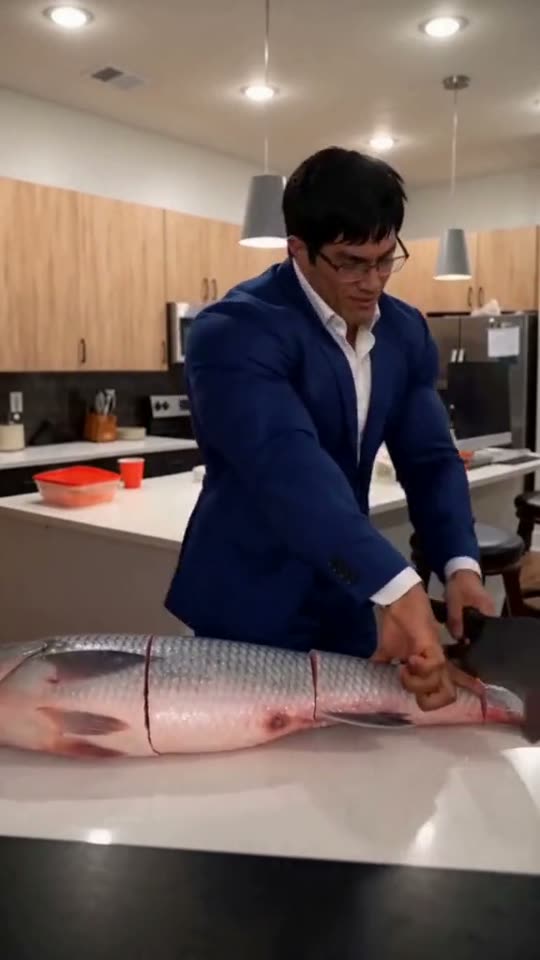 Grandpa Handle Dinner AI1 input photo · 9:16 · 10s
More templates coming soon
Photo tips · JPG / PNG / WEBP, up to 10 MB
- ✓One person per photo, facing the camera
- ✓Face clear and well lit — no sunglasses, hats or hands over it
- ✓Show the outfit: a photo from the head to the waist or knees
- ✓No mirror selfies or phone in hand — it can show up in your video
🎵 Audio is included in the video. Tap the speaker icon to turn sound on or off.
Automatic refund if it fails. Not happy with the quality? Email support@clonethevideo.com and we'll look into it; if we confirm a quality problem, you get a refund. Refund Policy
You see the price before you pay. Credits never expire. Pricing
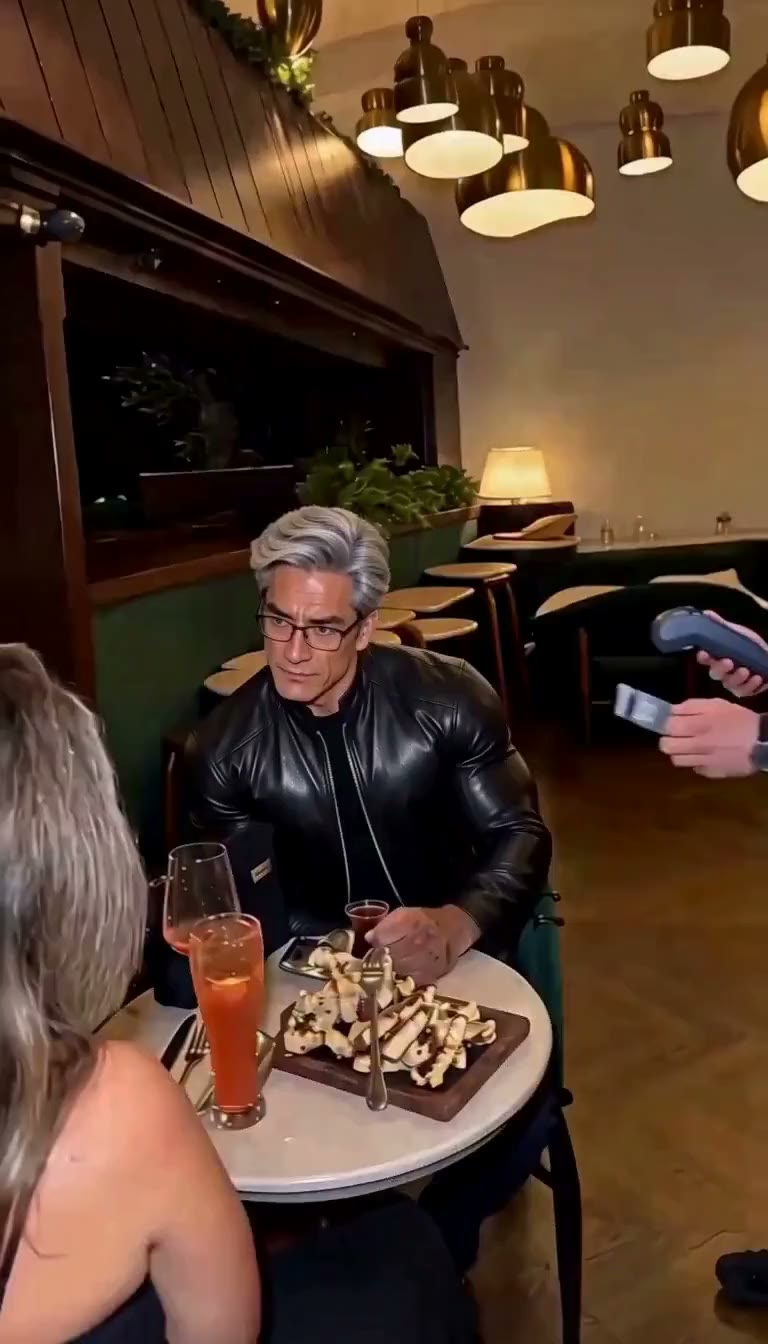
You Never Let Her Pay AI Video Generator
One photo in, one wallet-swap reveal video out. Put your own face at the table for the viral 'never let her pay' moment.
What is You Never Let Her Pay AI?
A video tool that puts the person in your photo in the diner's seat for the viral wallet-swap reveal.
One photo. Upload a clear photo of one adult.
A card, then a sponge. The diner reaches for a black wallet pouch — and it's not a card or cash inside.
The scene
The scene is a restaurant table where a diner reaches for a black wallet pouch to pay — and instead of a card or cash, the waiter (and the diner) find a dish sponge inside.
Upload one adult photo and choose a 5-second preview or a 12-second video.
Why it's spreading
- Owner estimate (unverified, as of 2026-11-15): roughly 4M combined views across versions of this trend — this is not a platform-confirmed figure and should be read as a rough estimate, not a verified snapshot.
How your photo becomes You Never Let Her Pay AI
What stays the same
- Everyone else stays put: The waiter, the table, the reveal — everything in the scene stays exactly as filmed. Only the diner becomes you.
Tips for a better result
- Face the camera: Use a front-facing photo with your face clearly visible.
- Good lighting: Even, bright lighting helps the model read your features.
- One person only: Use a photo with just you in frame, not a group shot.
- Avoid heavy filters: Skip heavy face filters or sunglasses that hide your features.
How to make a You Never Let Her Pay video
- 01Upload a photo
Upload one adult photo: JPG, PNG or WebP, up to 10 MB.
- 02Pick a length
Try a 5-second preview free, or get the full 12-second clip from $9.99.
- 03Get your clip
Download a vertical video ready for TikTok or Reels, with sound.
How much does a You Never Let Her Pay AI video cost?
A 12-second You Never Let Her Pay AI video is 50 credits, from $9.99 with no subscription. Your first 5-second clip is free with a Google sign-in, in 480p with a Clone the Video watermark. Credits never expire, and a video that fails gives them back.
The whole video starring you, 9:16, no watermark.
Private by default. Gone in 30 days.
- Only shared with the AI that makes your video
- Never used to train AI
- Photos deleted after 30 days
- Automatic refund if it fails
Photos are stored privately and reach the AI provider only through short-lived links made for your job. Clips stay in My clips for 90 days, then are deleted. Want everything gone sooner? Email support@clonethevideo.com from your account address and we delete it. Read the privacy policy →
Guides
How to make the You Never Let Her Pay AI video: add one photo, generate a 12-second 9:16 video with sound, and download it.
Make the You Never Let Her Pay AI video from one photo: one adult, one clear picture, a 12-second 9:16 video with sound.
How to post the You Never Let Her Pay AI video on TikTok: download the 12-second 9:16 file with sound, then upload it from your phone.
You Never Let Her Pay AI: A video tool that puts the person in your photo in the diner's seat for the viral wallet-swap reveal. Make your own 12-second 9:16 AI video from one photo on Clone the Video.
You Never Let Her Pay AI: questions
Can AI turn a picture of me into this wallet-swap video?+−
Yes. You Never Let Her Pay AI on Clone the Video turns one photo of you into the diner in this scene. You don't film anything yourself, and generating usually takes a few minutes.
How many photos do I need?+−
One photo of an adult.
How long is the video?+−
Choose a 5-second preview or a 12-second video.
Is there sound?+−
Yes, the clip keeps the original audio track, with a Sound On / Sound Off control on the page.
Does the waiter in the video change too?+−
No — only the diner (your photo) is swapped in. The waiter and everyone else stay exactly as filmed in the original clip.
Can I download and share the video?+−
Yes, download the finished clip and post it anywhere, including TikTok and Instagram Reels.
What if generation fails?+−
If a generation fails, the credits for that attempt are not charged.
Do I need an account?+−
You'll sign in to generate and keep your clip, same as other Clone the Video templates.
How much does it cost?+−
The 5-second preview is free; the full 12-second clip costs credits (see the price on this page). It's pay-as-you-go, not a subscription.
Is this affiliated with the creator of the original clip?+−
No. This tool is independent and is not affiliated with, endorsed by, or sponsored by the creator of the original reference clip.
Do you host the original video or song?+−
No, we do not host or redistribute the original reference video or its audio; it's used only as a motion/scene reference for the AI generation you create.
Can I upload a photo of a minor?+−
No. Only upload a clear photo of an adult; photos of minors are not allowed.
Is this a CapCut template?+−
No, it's not a CapCut template or an app you install — it's a browser-based AI video generator on Clone the Video; just upload a photo on this page.
Whose photo am I allowed to use?+−
Only upload a photo of yourself or a photo you have permission and the rights to use; by uploading you confirm you're allowed to use that photo.
Ready for your 'never let her pay' moment?
Add your photos, get a video with audio: a free 5-second preview in 480p with a watermark, or the full 12s video for 50 credits.
Make my videoClone the Video is an independent tool, not affiliated with the artists, TikTok, Instagram or any record label. Every video is AI-generated. Updated 2026-11-15.
More templates
Pick another one, or start on the Clone the Video AI video templates
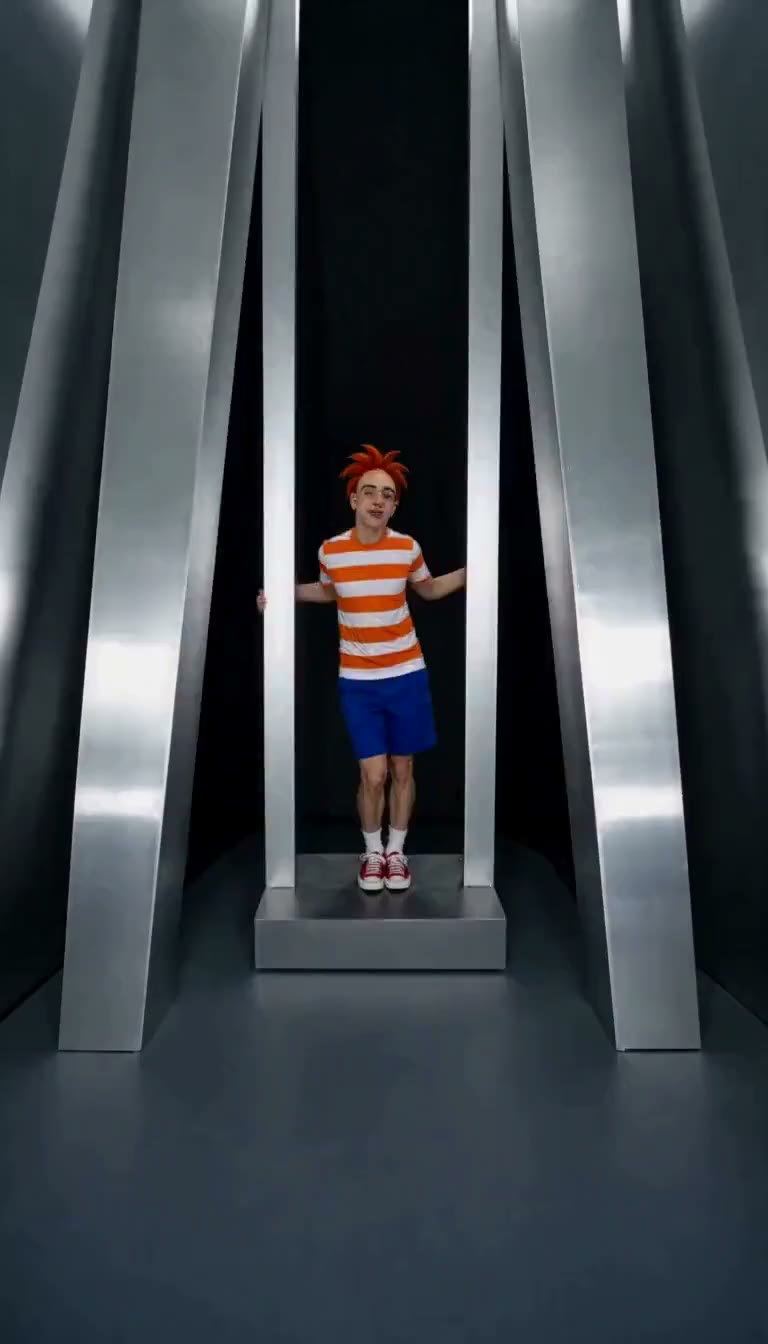
NewThe template reproduces the reference clip's choreography, camera framing and cut rhythm. Each photo becomes one fixed performer.
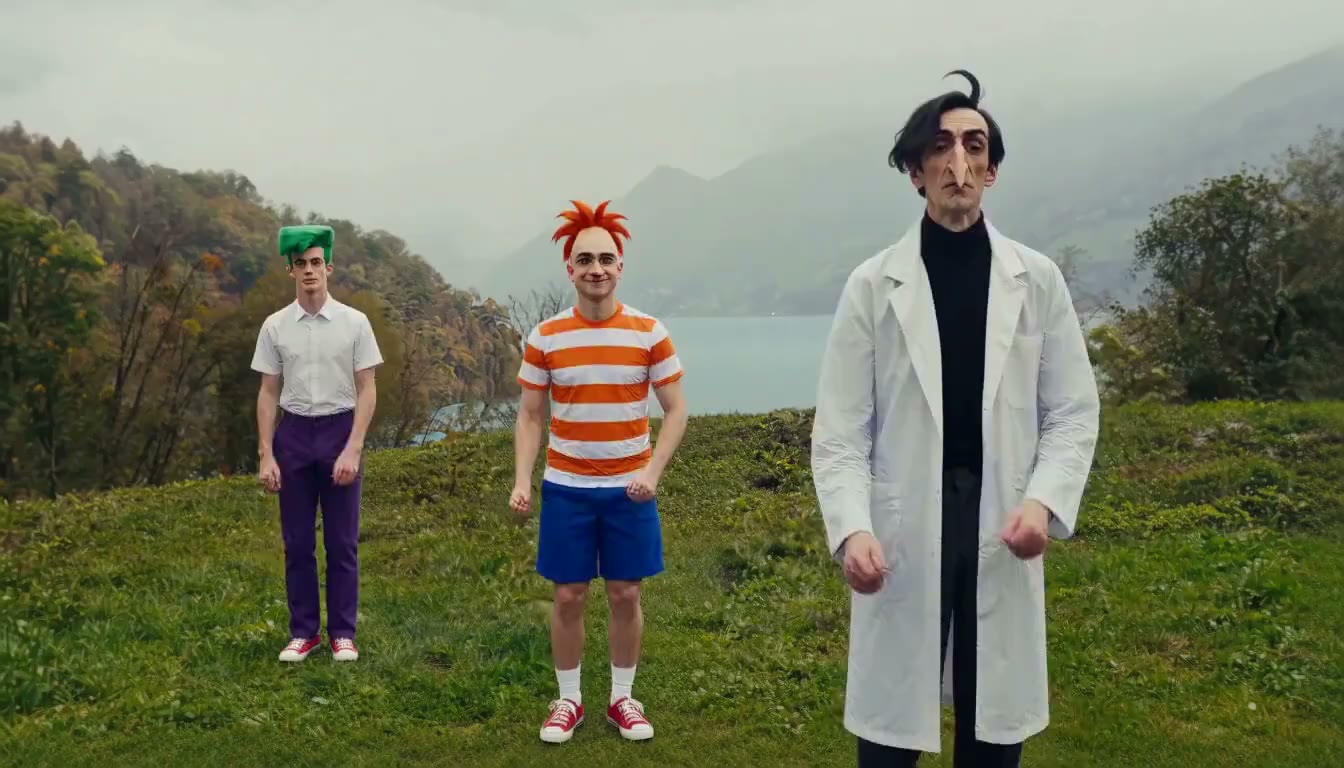
Make yours →Wassup in a Minute is a TikTok trend built on a Jersey club sound. You may know the version with anime characters swaying on a white background; this Clone the Video template is the other one, the three-person hillside dance, remade with your photos: 14 seconds, 16:9, with sound.
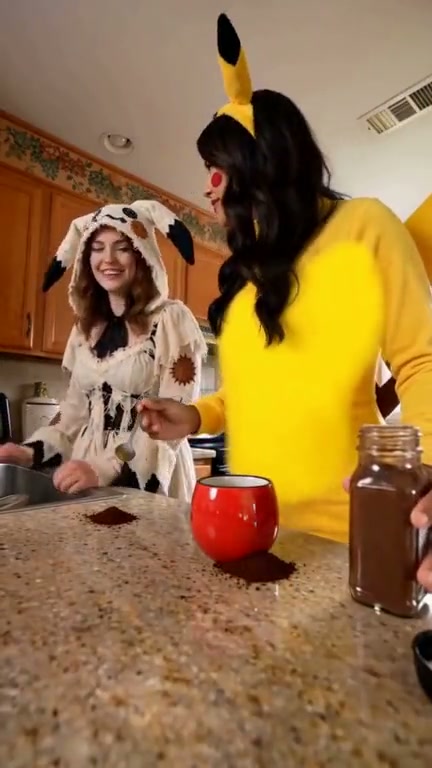
Make yours →A casual kitchen coffee-making scene with a spill, a quick reaction, and two people sharing the moment.
Make yours →A two-person video recreation built around the shoulder-carry turn and reveal seen in the reference clip.
Make yours →A video tool that puts two people from your photos into the Christmas pajama duo dance from TikTok.
Make yours →A video tool that puts the person in your photo into a viral street-entrance trend: everyone makes way as you walk through, and the camera pushes in on a candy-stick close-up.
Make yours →A 9-second vertical dance video that maps the person in your photo to the lead dancer in the reference.
Make yours →A two-performer dance format based on the opening choreography of A2O LITE’s “NEON” video. Clone the Video uses a reference clip for the dance and two photos for the performers’ identities and appearance.
Make yours →Recreate the Tiny Desk-style band performance with one required lead-singer photo. Four optional performer slots have AI-generated default images: keyboard, two backup singers, and sax. Upload your own photos to replace any defaults.
Make yours →It is a reference-led remake of a rooftop infinity-pool clip: one portrait supplies the replacement person's appearance while the video supplies the scene and motion.
Make yours →Clone the Video puts you inside the freestyle that took over TikTok. You bring one photo; the AI does the rest — your own Bulin 47 video in minutes.
Make yours →A 15-second, 16:9 dance remake that maps three photos to the left, center, and right performers. The reference background remains fixed.
Make yours →Dame Hombro is the track people pair with Bulin 47's freestyle on TikTok. Clone the Video puts you inside that performance: you bring one photo, the AI does the rest, and you get your own Dame Hombro AI video in minutes.
Make yours →It recreates a café POV joke: one visitor uses a small table like a seat, another arrives and uses the seating normally, and the first visitor realizes the mix-up.
Make yours →A video tool that places the person in your photo at the front of a zombie group dance.
Make yours →The source is a rap-duo clip in a plain orange-lit booth, one hanging microphone, two performers trading lines and moves. This template follows that choreography shot for shot, with your two photos replacing the original performers.
Make yours →Upload two photos of consenting adults: first the survivor, then their partner who has turned into a zombie. Clone the Video builds the 15-second story from the photos; there is no reference video.
Make yours →It recreates the elevator meet-cute from the film (500) Days of Summer: one person wears big headphones, the other says they love The Smiths, and the listener takes the headphones off to answer.
Make yours →A video tool that puts the person in your photo into the viral "Grandpa said he'd handle dinner" fish-chopping meme.
Make yours →