 Clone the Video
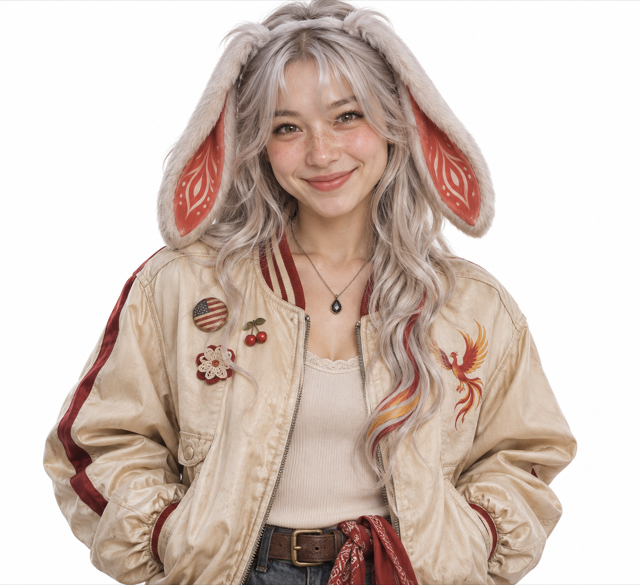
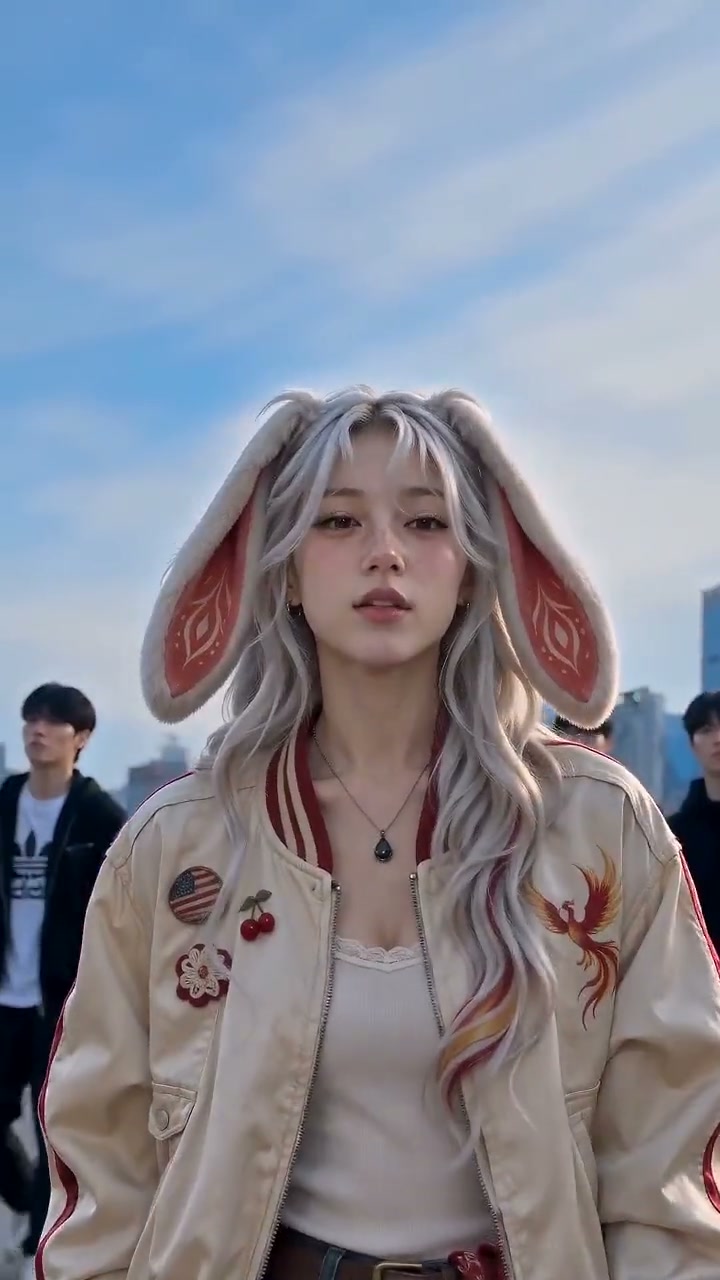 King Jin AI Trend1 Eingangsfoto · 9:16 · 10s
 NeuNo Scrubs AI3 Eingabefotos · 9:16 · 15s
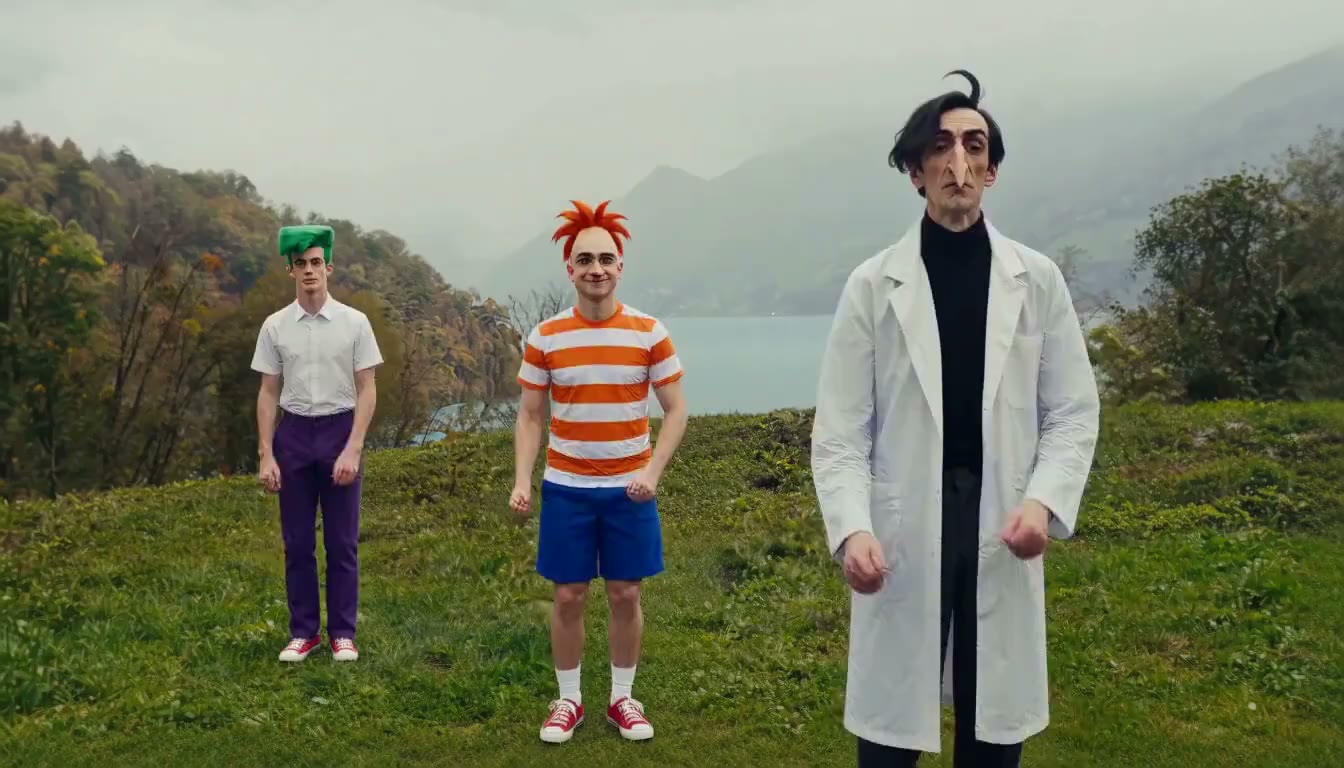 Wassup in a Minute AI3 Eingabefotos · 16:9 · 14s
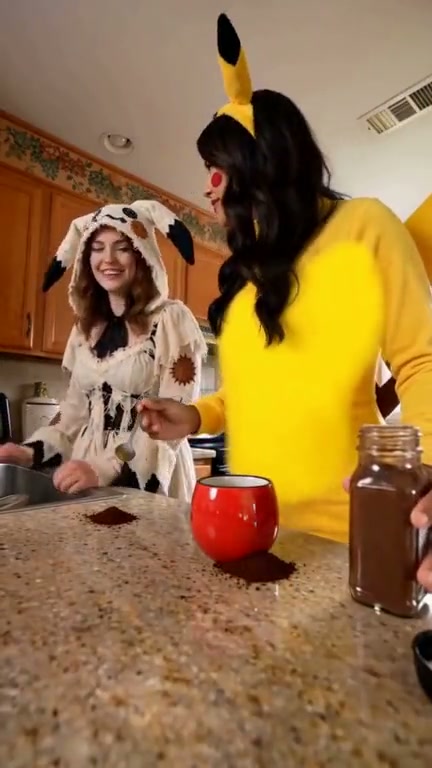 Coffee Fail AI2 Eingabefotos · 9:16 · 15s
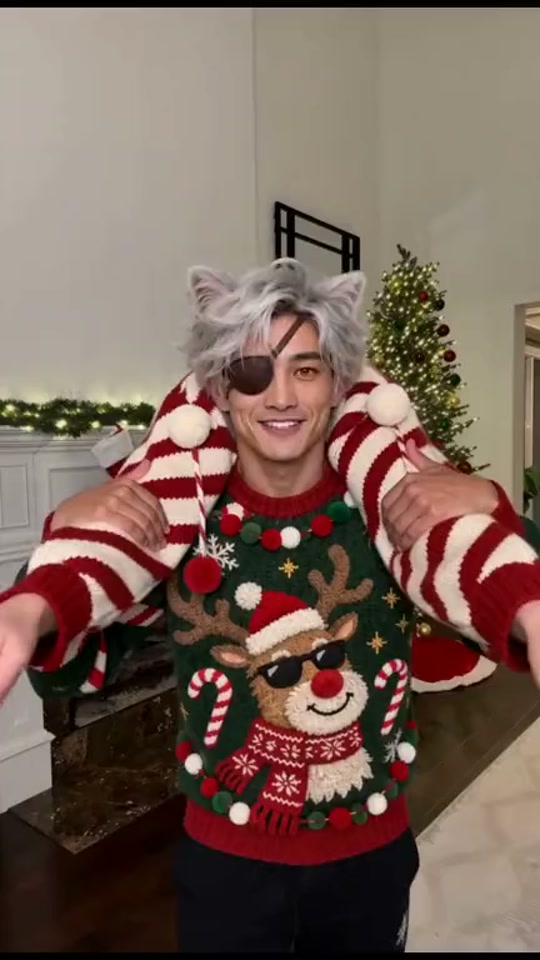 Put The Rollie On My Wrist AI2 Eingabefotos · 9:16 · 9s
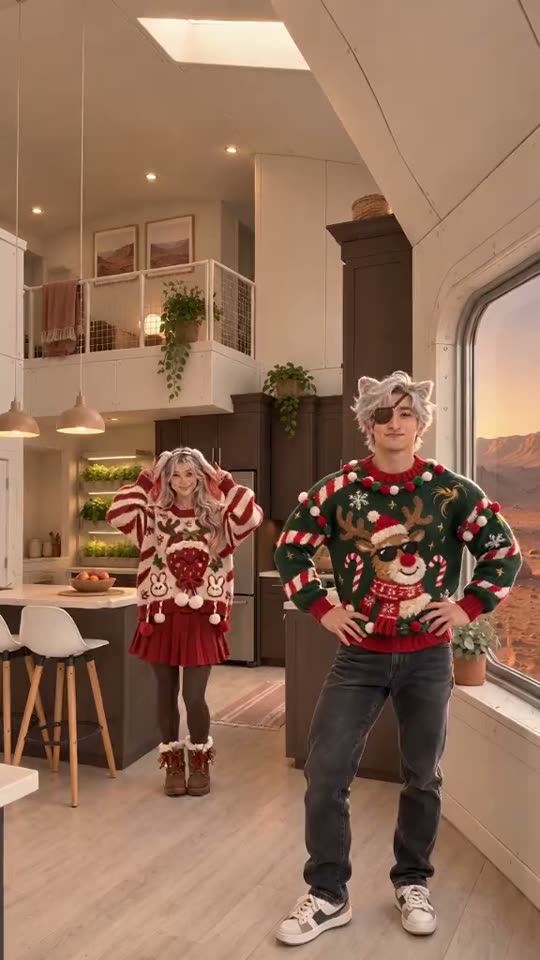 Christmas Dance AI2 Eingabefotos · 9:16 · 15s
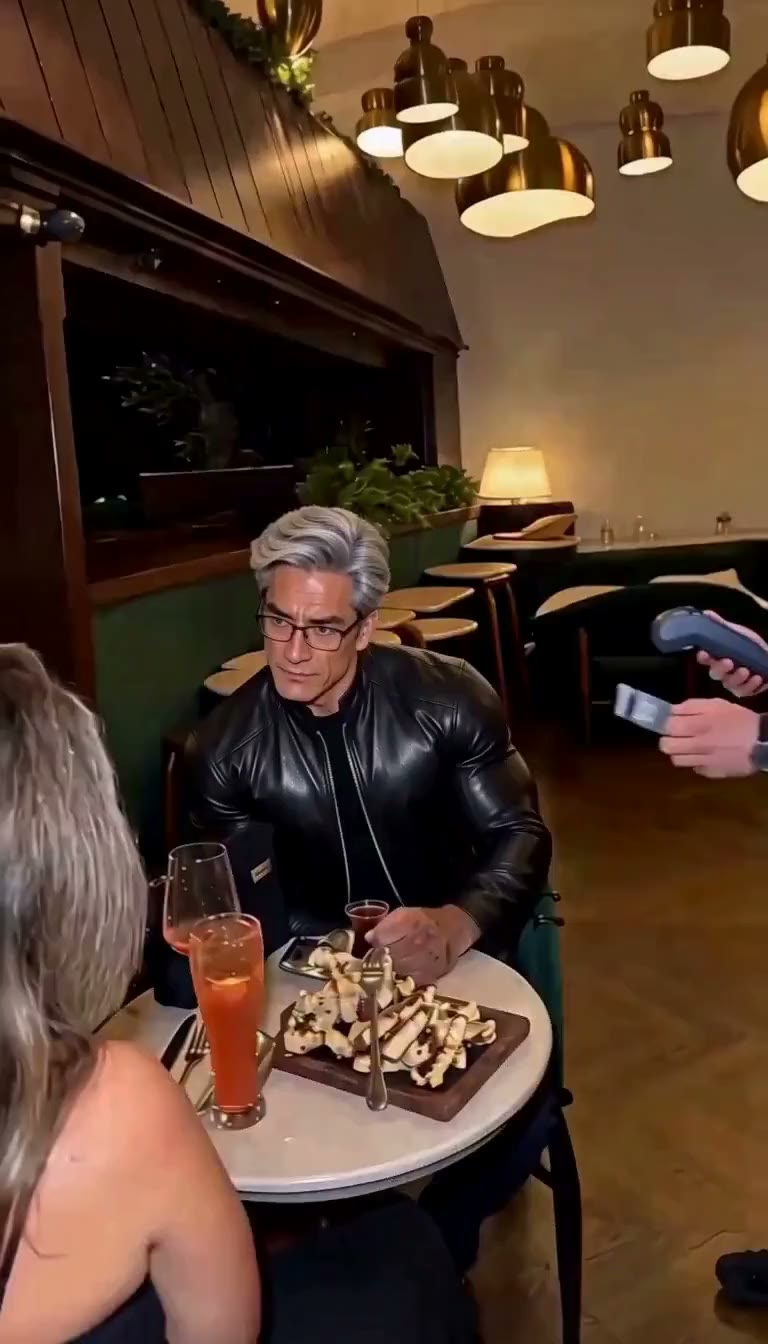 You Never Let Her Pay AI1 Eingangsfoto · 9:16 · 12s
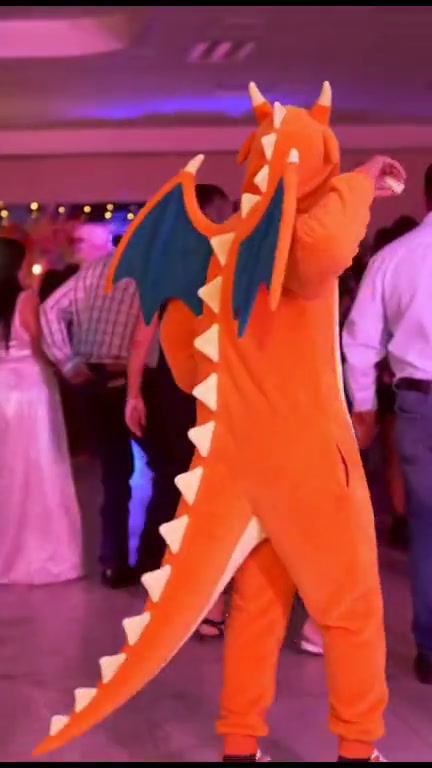 Dime Dime Baby AI1 Eingangsfoto · 9:16 · 9s
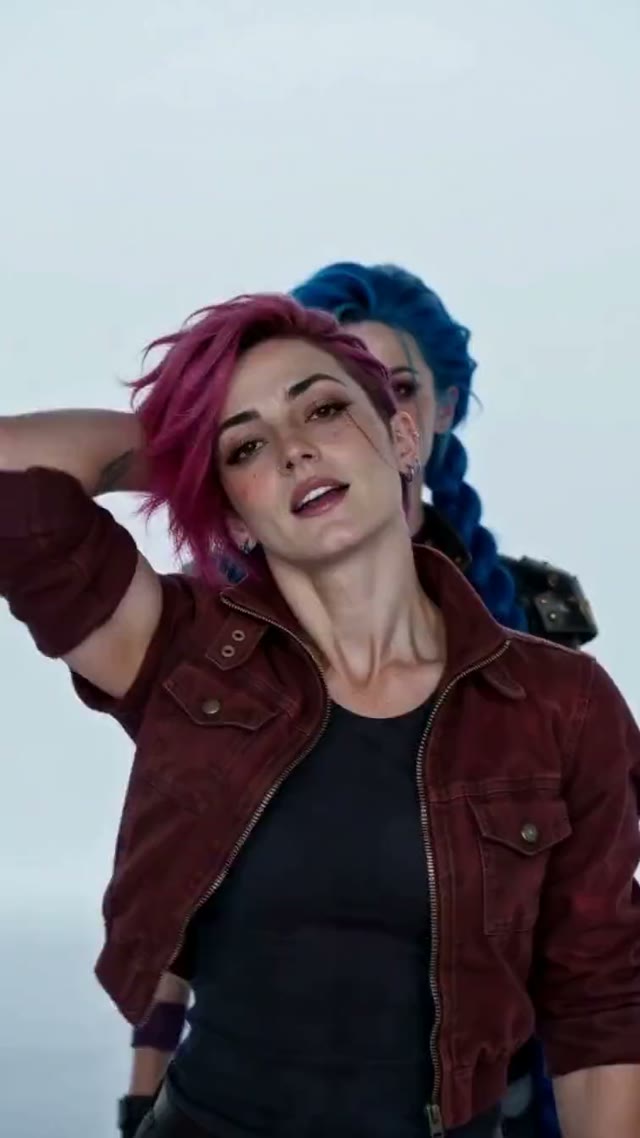 A2O LITE “NEON” Duo Dance2 Eingabefotos · 9:16 · 15s
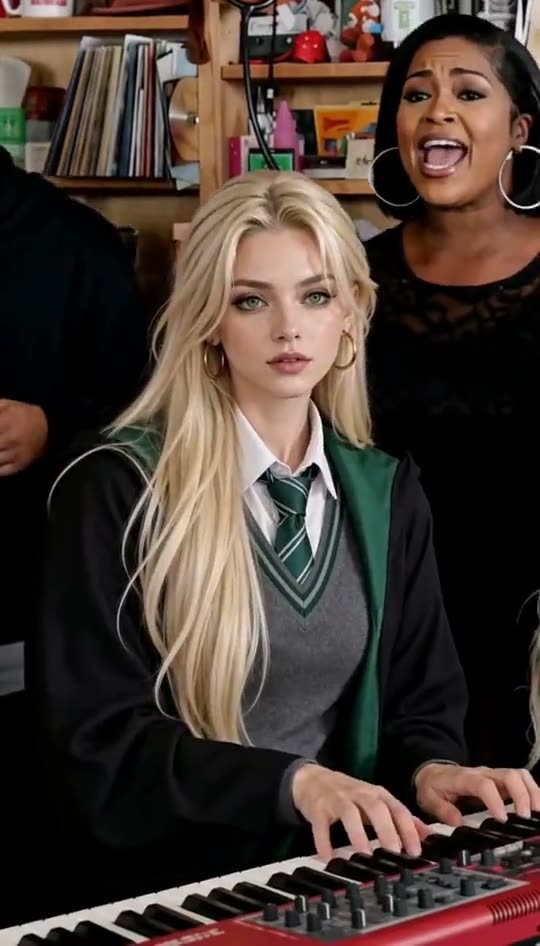 Outstanding Tiny Desk AI1 Eingangsfoto · 9:16 · 15s
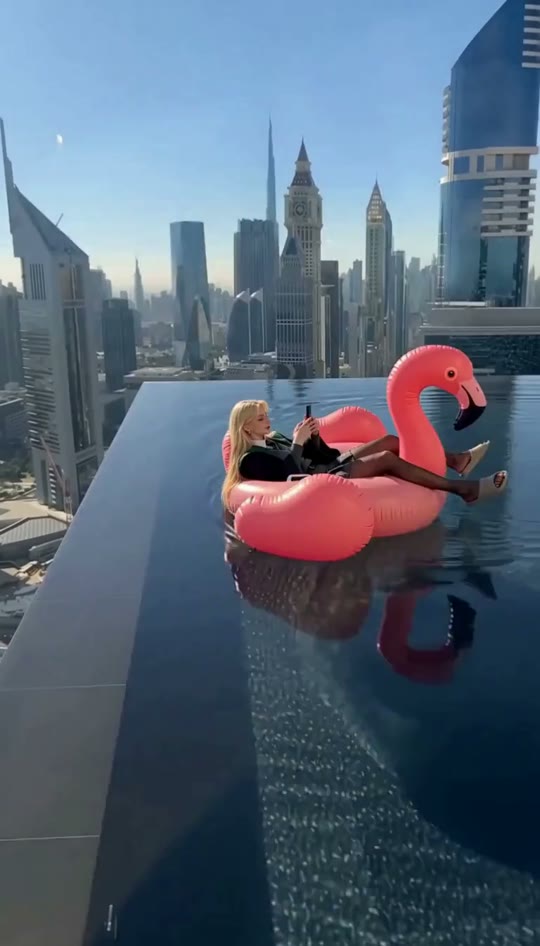 Flamingo Float AI1 Eingangsfoto · 9:16 · 12s
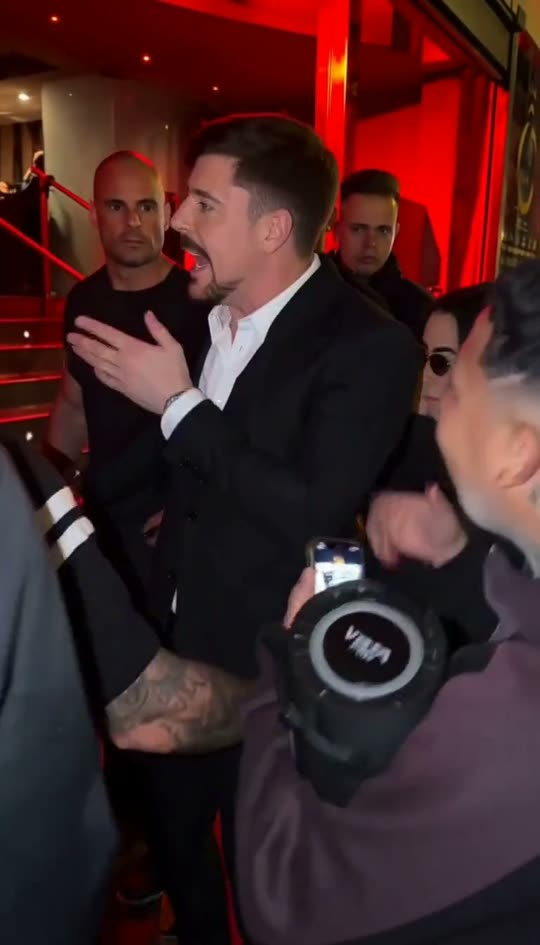 Bulin 47 AI1 Eingangsfoto · 9:16 · 15s
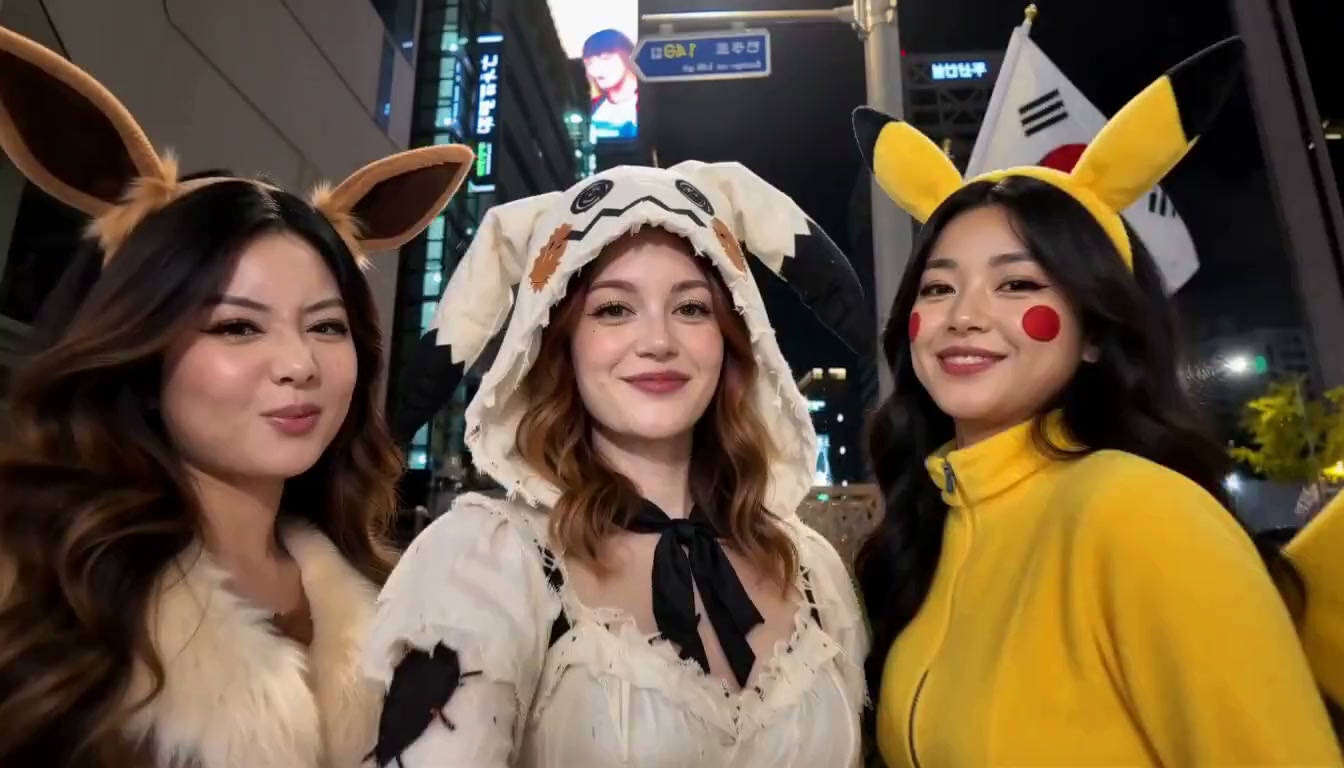 Gangnam Style AI3 Eingabefotos · 16:9 · 15sDame Hombro AI1 Eingangsfoto · 9:16 · 15s
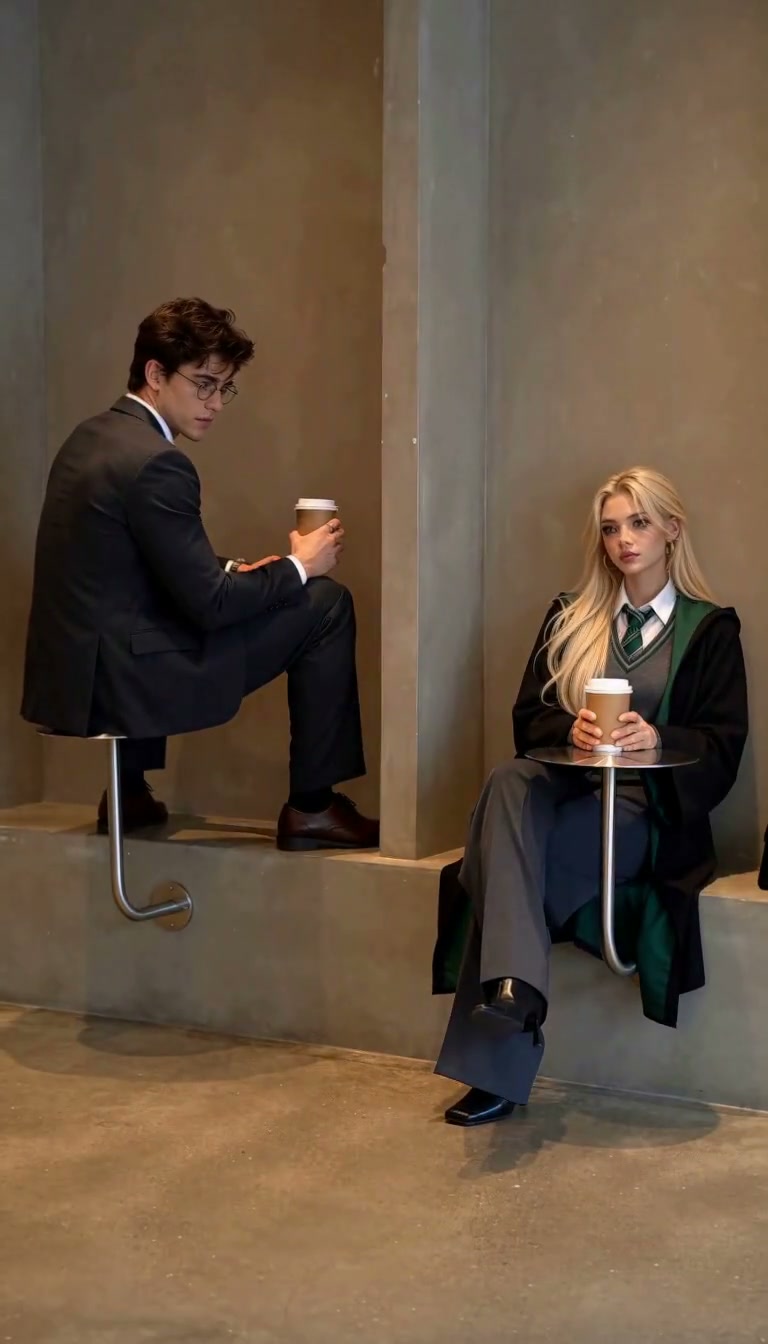 First Time in a Fancy Cafe AI2 Eingabefotos · 9:16 · 15s
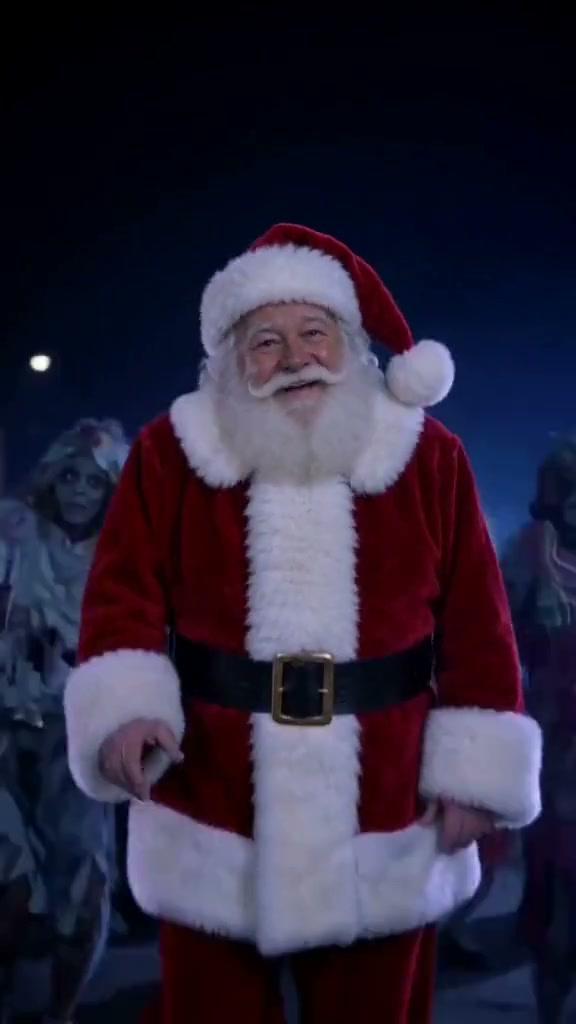 Thriller Dance AI1 Eingangsfoto · 9:16 · 15s
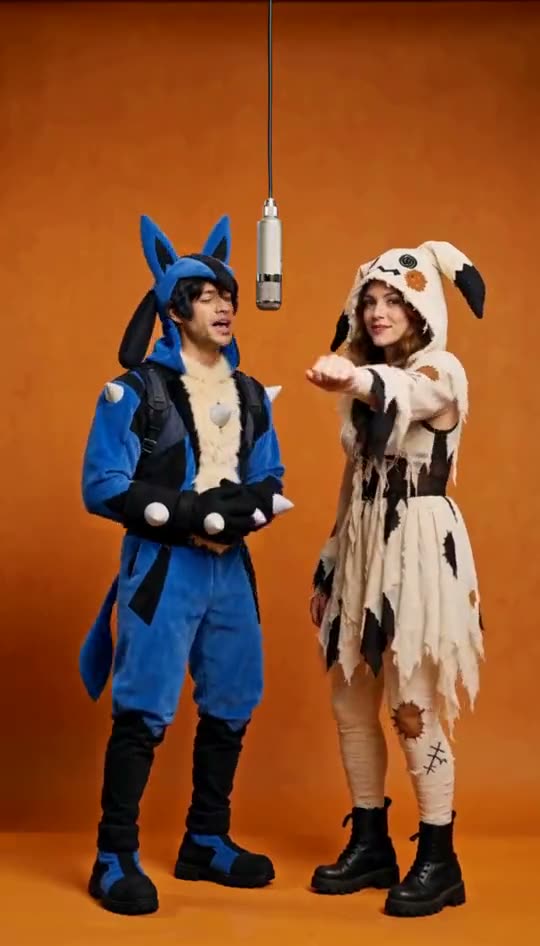 Hotel Lobby AI2 Eingabefotos · 9:16 · 15s
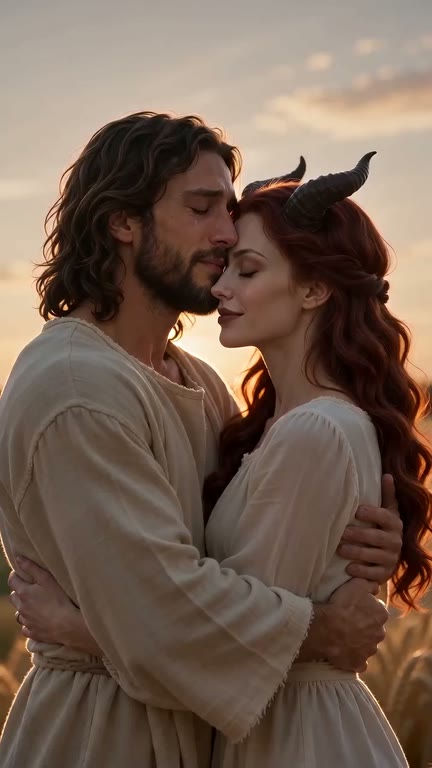 Zombie Love Story AI2 Eingabefotos · 9:16 · 15s
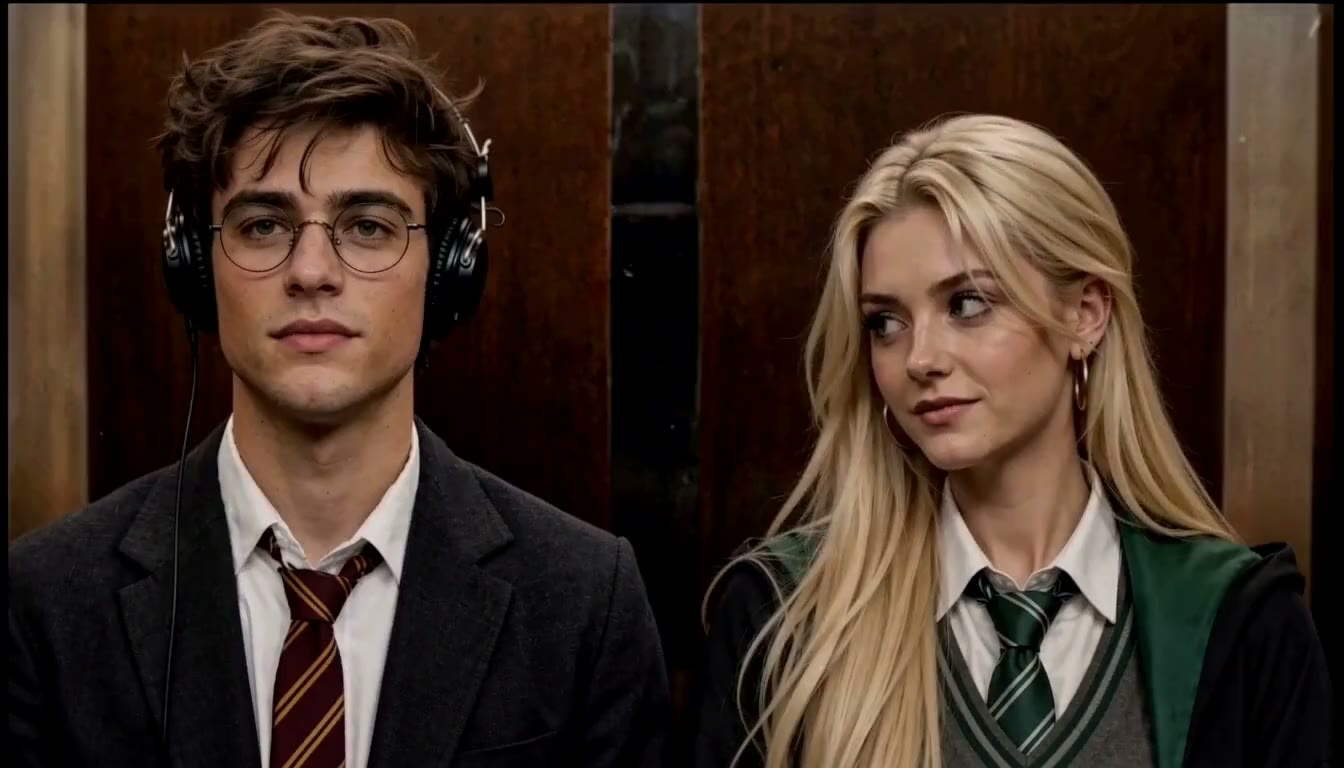 I Love The Smiths AI2 Eingabefotos · 16:9 · 14s
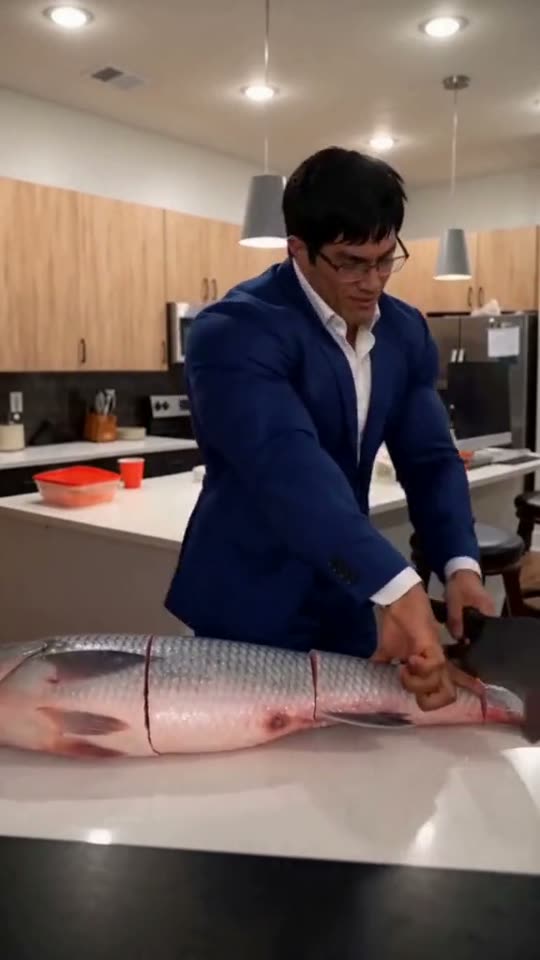 Grandpa Handle Dinner AI1 Eingangsfoto · 9:16 · 10s
Weitere Vorlagen folgen in Kürze
Fototipps · JPG / PNG / WEBP, bis zu 10 MB
- ✓Eine Person pro Foto mit Blick auf die Kamera
- ✓Gesicht klar und gut beleuchtet — keine Sonnenbrille, Hüte oder Hände darüber
- ✓Zeig das Outfit: ein Foto vom Kopf bis zur Taille oder den Knien
- ✓Keine Spiegel-Selfies und kein Handy in der Hand – es kann sonst in deinem Video auftauchen.
🎵 Audio ist im Video enthalten. Tippe auf das Lautsprecher-Symbol, um den Ton an- oder auszuschalten.
Automatische Erstattung, wenn es fehlschlägt. Nicht zufrieden mit der Qualität? Schreib an support@clonethevideo.com – wir schauen es uns an. Wenn wir ein Qualitätsproblem bestätigen, bekommst du eine Erstattung. Rückerstattungsrichtlinie
Du siehst den Preis, bevor du bezahlst. Credits laufen nie ab. Preise
King Jin AI Trend Video-Generator
One photo in, one street-entrance video out: a crowd steps aside as you walk by, a close-up holding a candy stick, a walk down a corridor, and a rooftop skyline close. This is the King Jin AI trend.
Weitere Vorlagen wie diese: KI-Tanzvideo-Generator →
What is King Jin AI Trend?
A video tool that puts the person in your photo into a viral street-entrance trend: everyone makes way as you walk through, and the camera pushes in on a candy-stick close-up.
One photo. Upload a clear photo of one person.
A crowd that steps aside. Bystanders on both sides make way as the performer walks through, ending in a candy-stick close-up, then a corridor walk and a rooftop close.
Where this trend comes from
The format is based on a street-entrance clip that's been circulating online. Clone the Video did not create the original clip and is not affiliated with or endorsed by its creator; this page describes an independent AI tool that lets you make your own version from a photo.
Why people make this
- It turns one photo into a short, shareable main-character moment.
- The crowd-stepping-aside staging reads as confident and fun without needing any acting.
So wird dein Foto zu King Jin AI Trend
A street-entrance scene with a rooftop close
- Your performer: The photo guides the performer's appearance.
Tips and limits
- Use a clear photo: Choose a well-lit photo with the face visible; a half-body or portrait photo works best.
- Results vary: AI may change details of faces, clothing, or the candy-stick prop, which can briefly disappear around the first cut.
- Use permitted photos: Only use your own photo or an adult's photo with their permission. No minors.
How to make a King Jin AI Trend video
- 01Upload a photo
Upload one clear photo: JPG, PNG or WebP, up to 10 MB.
- 02Choose a quality
Pick a 480p or a 720p 9:16 video, both 10 seconds with the original sound.
- 03Generate
Create and download your AI video.
Wie viel kostet ein Video von King Jin AI Trend?
Ein King Jin AI Trend-Video mit 10 Sekunden kostet 50 Credits, ab $9.99 ohne Abo. Credits laufen nie ab, und ein fehlgeschlagenes Video bekommst du zurück.
Das ganze Video mit dir, 9:16, kein Wasserzeichen.
Qualität wählen: 480p · 10 Credits / 720p · 50 Credits
Standardmäßig privat. In 30 Tagen verschwunden.
- Nur mit der KI geteilt, die dein Video macht
- Wird nie für KI-Training verwendet
- Fotos nach 30 Tagen gelöscht
- Automatische Erstattung bei Fehlschlag
Fotos werden privat gespeichert und erreichen den KI-Anbieter nur über kurzlebige Links, die für deinen Auftrag erstellt wurden. Clips bleiben 90 Tage unter „Meine Clips“ und werden dann gelöscht. Soll alles früher weg sein? Schreib an support@clonethevideo.com von deiner Konto-Adresse aus, und wir löschen es. Lies die Datenschutzerklärung →
Anleitungen
How to make the King Jin AI Trend AI video: add one photo, generate a 10-second 9:16 video with sound, and download it.
Make the King Jin AI Trend AI video from one photo: one adult, one clear picture, a 10-second 9:16 video with sound.
How to post the King Jin AI Trend video on TikTok: download the 10-second 9:16 file with sound, then upload it from your phone.
King Jin AI Trend: A video tool that puts the person in your photo into a viral street-entrance trend: everyone makes way as you walk through, and the camera pushes in on a candy-stick close-up. Make your own 10-second 9:16 AI video from one photo on Clone the Video.
King Jin AI Trend: Fragen
How do I make the King Jin AI Trend video?+−
Upload one clear photo to the King Jin AI Trend template. It makes a vertical video of that person walking through a crowd that steps aside, holding a candy stick, ending on a rooftop skyline, 10 seconds long, and usually takes 5–10 minutes.
How many photos do I need?+−
One photo of one person.
How long is the video?+−
10 seconds, in 9:16 vertical format, in 480p or 720p.
Is it free?+−
A 480p video costs 10 credits and a 720p video costs 50 credits. New accounts receive preview credits; failed generations are refunded.
Is Clone the Video affiliated with the original creator of this trend?+−
No. Clone the Video is an independent tool, not affiliated with or endorsed by the original creator of the street-entrance clip this trend is inspired by.
Whose photo can I use?+−
Use your own photo or an adult's photo with permission. No minors.
Ready for your street-entrance moment?
Ein Foto rein, dein eigenes Video raus: die vollen 10 Sekunden für 50 Credits.
Mein Video erstellenClone the Video ist ein unabhängiges Tool, das nicht mit den Künstlern, TikTok, Instagram oder einem Plattenlabel verbunden ist. Jedes Video ist KI-generiert. Aktualisiert am 2026-11-14.
Weitere Vorlagen
Wähl eine andere oder fang an mit den Clone the Video KI-Videovorlagen
NeuThe template reproduces the reference clip's choreography, camera framing and cut rhythm. Each photo becomes one fixed performer.
Mach deins →Wassup in a Minute is a TikTok trend built on a Jersey club sound. You may know the version with anime characters swaying on a white background; this Clone the Video template is the other one, the three-person hillside dance, remade with your photos: 14 seconds, 16:9, with sound.
Mach deins →Eine ungezwungene Kaffeezubereitungsszene in der Küche mit einem Missgeschick, einer schnellen Reaktion und zwei Personen, die den Moment teilen.
Mach deins →A two-person video recreation built around the shoulder-carry turn and reveal seen in the reference clip.
Mach deins →Ein Video-Tool, das zwei Personen aus deinen Fotos in den Weihnachtspyjama-Duotanz von TikTok versetzt.
Mach deins →A video tool that puts the person in your photo in the diner's seat for the viral wallet-swap reveal.
Mach deins →Ein 9-sekündiges vertikales Tanzvideo, das die Person auf deinem Foto dem Lead-Tänzer in der Referenz zuordnet.
Mach deins →Ein Tanzformat mit zwei Darstellern, das auf der Eröffnungschoreografie von A2O LITEs „NEON“-Video basiert. Clone the Video verwendet einen Referenzclip für den Tanz und zwei Fotos für die Identität und das Aussehen der Darsteller.
Mach deins →Bilde den Bandauftritt im Tiny Desk-Stil mit einem Foto des Leadsängers nach – das ist Pflicht. Vier optionale Rollen haben KI-generierte Standardbilder: Keyboard, zwei Backup-Sänger und Saxofon. Lade deine eigenen Fotos hoch, um einzelne Standardbilder zu ersetzen.
Mach deins →Es ist ein Remake eines Clips mit einem Infinity-Pool auf dem Dach, geführt von einer Referenz: Ein Porträt liefert das Aussehen der Ersatzperson, während das Video Szene und Bewegung liefert.
Mach deins →Clone the Video setzt dich in den Freestyle, der TikTok erobert hat. Du bringst ein Foto mit, den Rest macht die KI – dein eigenes Bulin 47-Video in wenigen Minuten.
Mach deins →Ein 15-sekündiges Tanz-Remake im 16:9-Format, das drei Fotos den linken, mittleren und rechten Performern zuordnet. Der Referenzhintergrund bleibt, wie er ist.
Mach deins →Dame Hombro ist der Track, den die Leute auf TikTok mit Bulin 47s Freestyle kombinieren. Clone the Video setzt dich in diese Performance: Du bringst ein Foto mit, die KI erledigt den Rest, und du bekommst in wenigen Minuten dein eigenes Dame Hombro AI-Video.
Mach deins →Es stellt einen Café-POV-Witz nach: Ein Besucher nutzt einen kleinen Tisch als Sitzgelegenheit, ein anderer kommt und nutzt die Sitzgelegenheiten ganz normal, und der erste Besucher erkennt die Verwechslung.
Mach deins →Ein Videotool, das die Person auf deinem Foto an der Spitze eines Zombie-Gruppentanzes platziert.
Mach deins →Die Vorlage ist ein Rap-Duo-Clip in einer schlichten, orange beleuchteten Kabine: ein hängendes Mikrofon, zwei Performer, die sich Zeilen und Moves hin und her werfen. Diese Vorlage folgt dieser Choreografie Aufnahme für Aufnahme, wobei deine beiden Fotos die ursprünglichen Performer ersetzen.
Mach deins →Lade zwei Fotos von Erwachsenen hoch, die zugestimmt haben: zuerst den Überlebenden, dann den Partner, der sich in einen Zombie verwandelt hat. Clone the Video baut die 15-Sekunden-Geschichte aus den Fotos; es gibt kein Referenzvideo.
Mach deins →Es stellt die Aufzug-Begegnung aus dem Film (500) Days of Summer nach: Eine Person trägt große Kopfhörer, die andere sagt, dass sie The Smiths liebt, und der Zuhörer nimmt die Kopfhörer ab, um zu antworten.
Mach deins →Ein Video-Tool, das die Person auf deinem Foto in das virale Fisch-Hack-Meme "Grandpa said he'd handle dinner" versetzt.
Mach deins →