 Clone the Video
TikTok
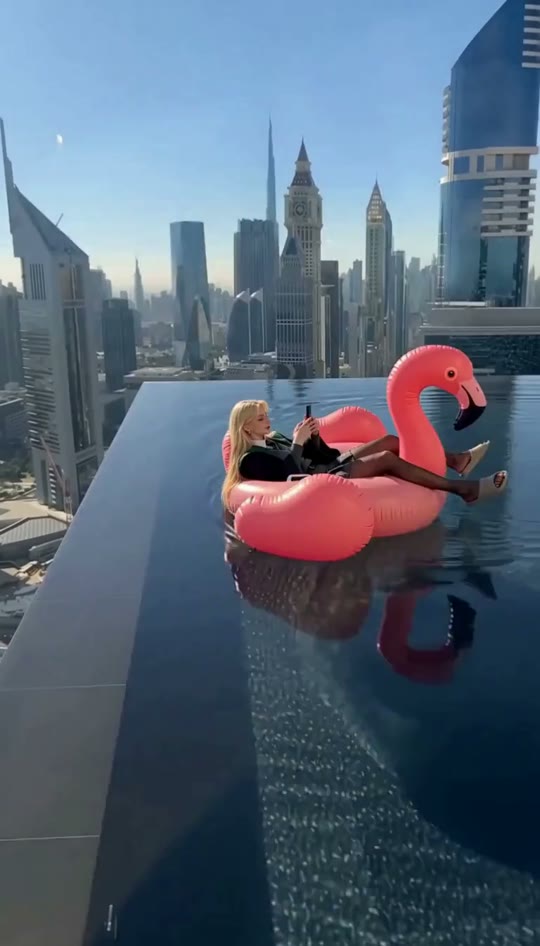
How to post the Flamingo Float AI video on TikTok
Sound includedFailed videos refunded automaticallyPhotos deleted after 30 days
Updated 2026-11-26
Download the 12-second 9:16 video with sound and upload it to TikTok like any other video. The sound is already in the file.
- 01Make the video
Generate the 12-second 9:16 Flamingo Float AI video.
- 02Download with sound
Download the MP4 and play it to check the sound.
- 03Upload to TikTok
Choose the video in TikTok and add your caption.
- 04Post
Publish when you are ready.
Before you post
- Play the video once and check the sound
- Add your caption and hashtags in TikTok
- Check the rules for any song you add in TikTok
Make your own Flamingo Float AI video
Make my videoBack to the generator: make a trend video from a photo