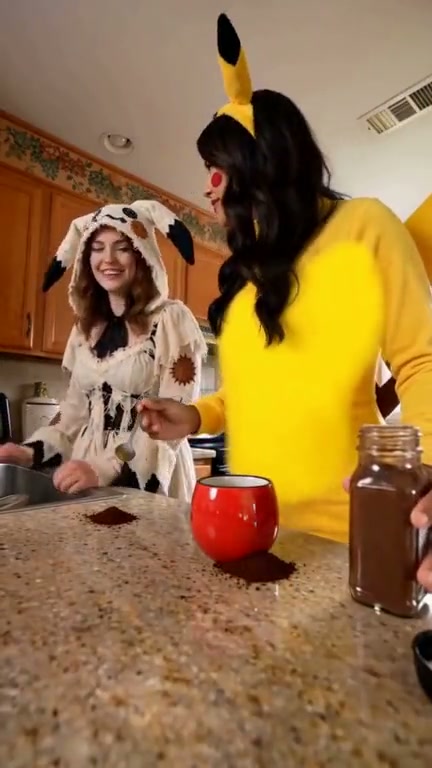
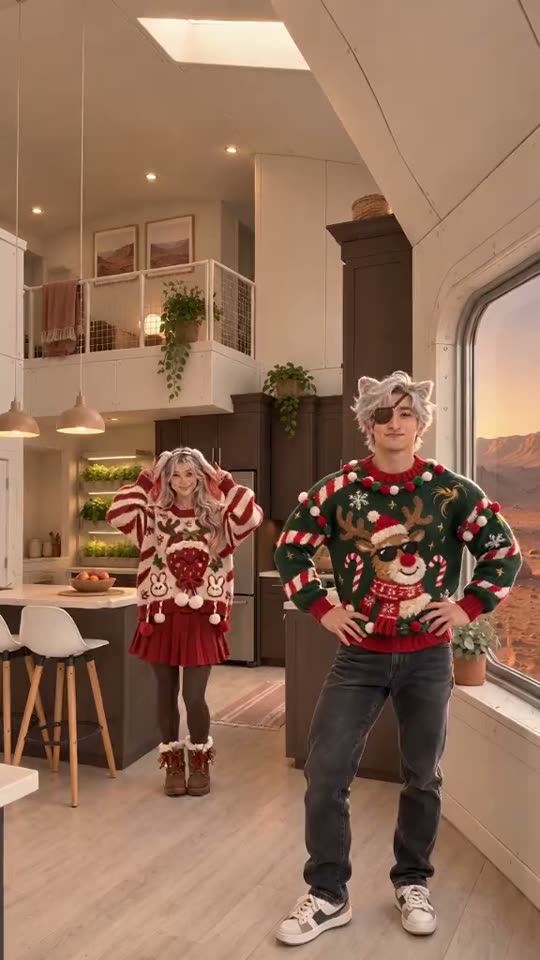
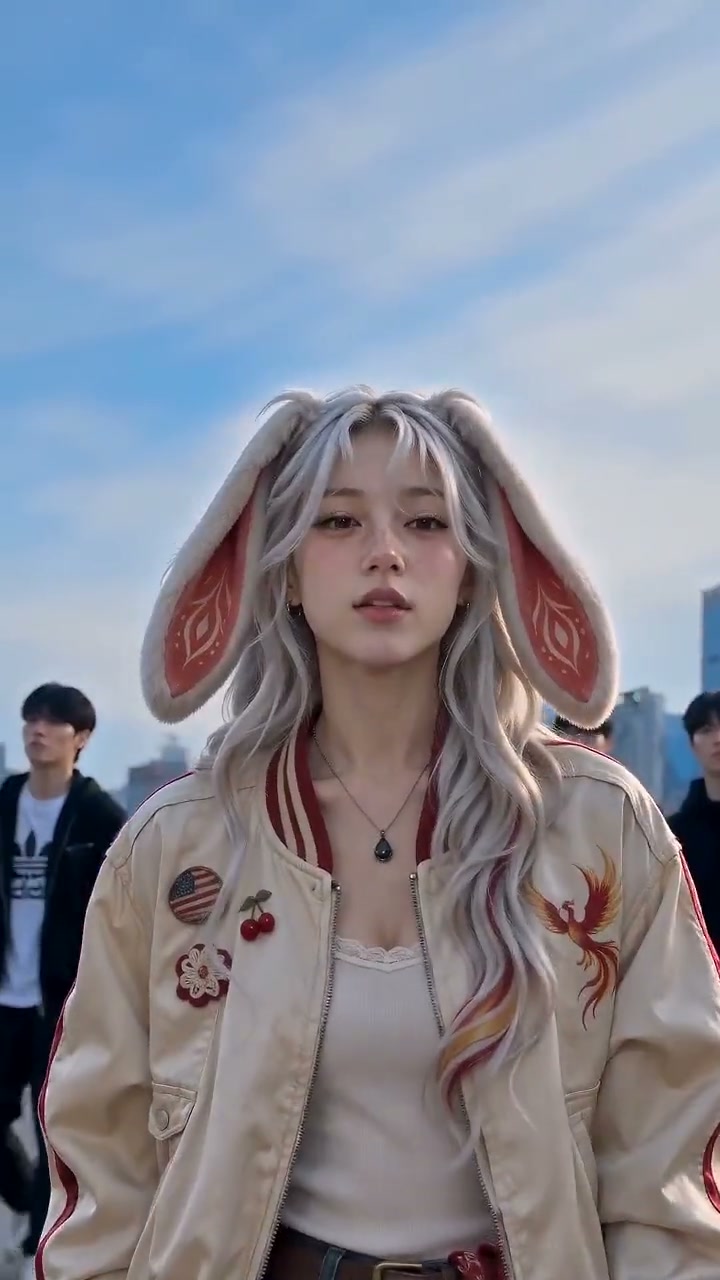
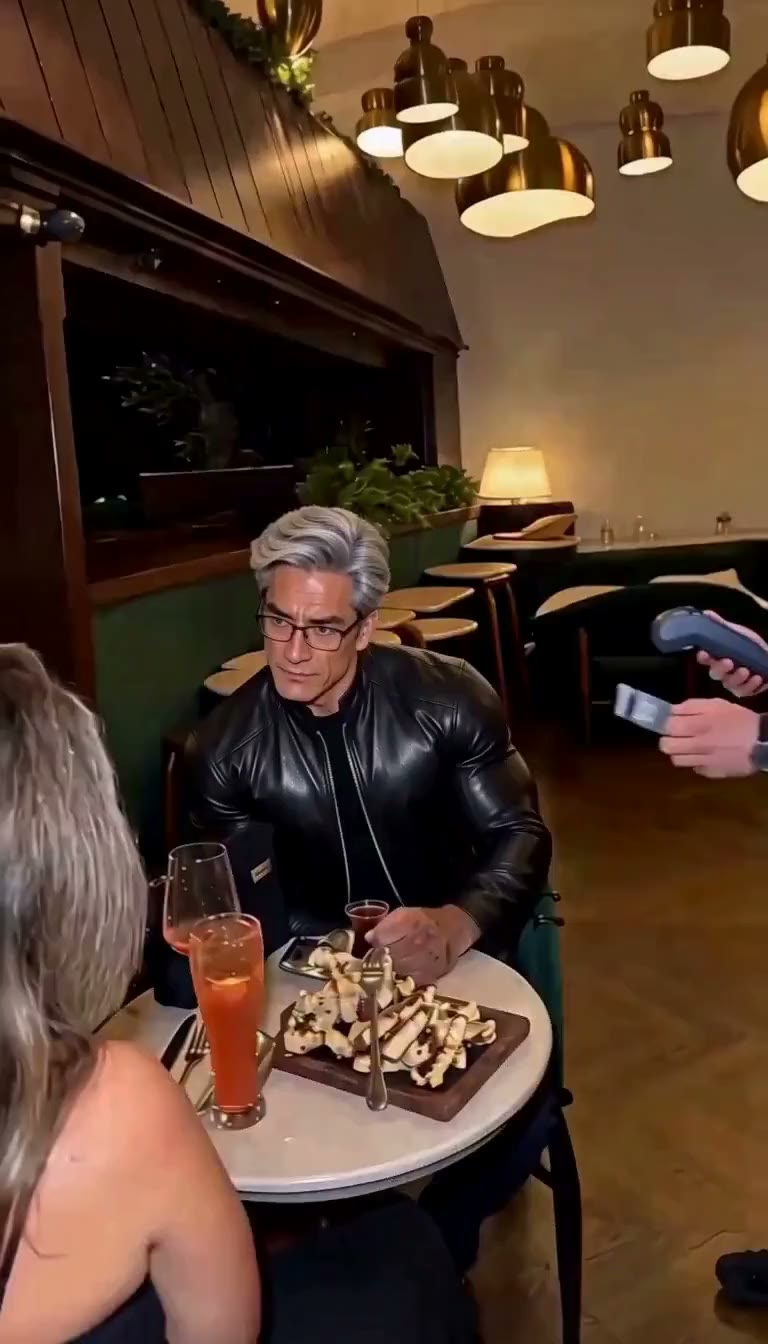
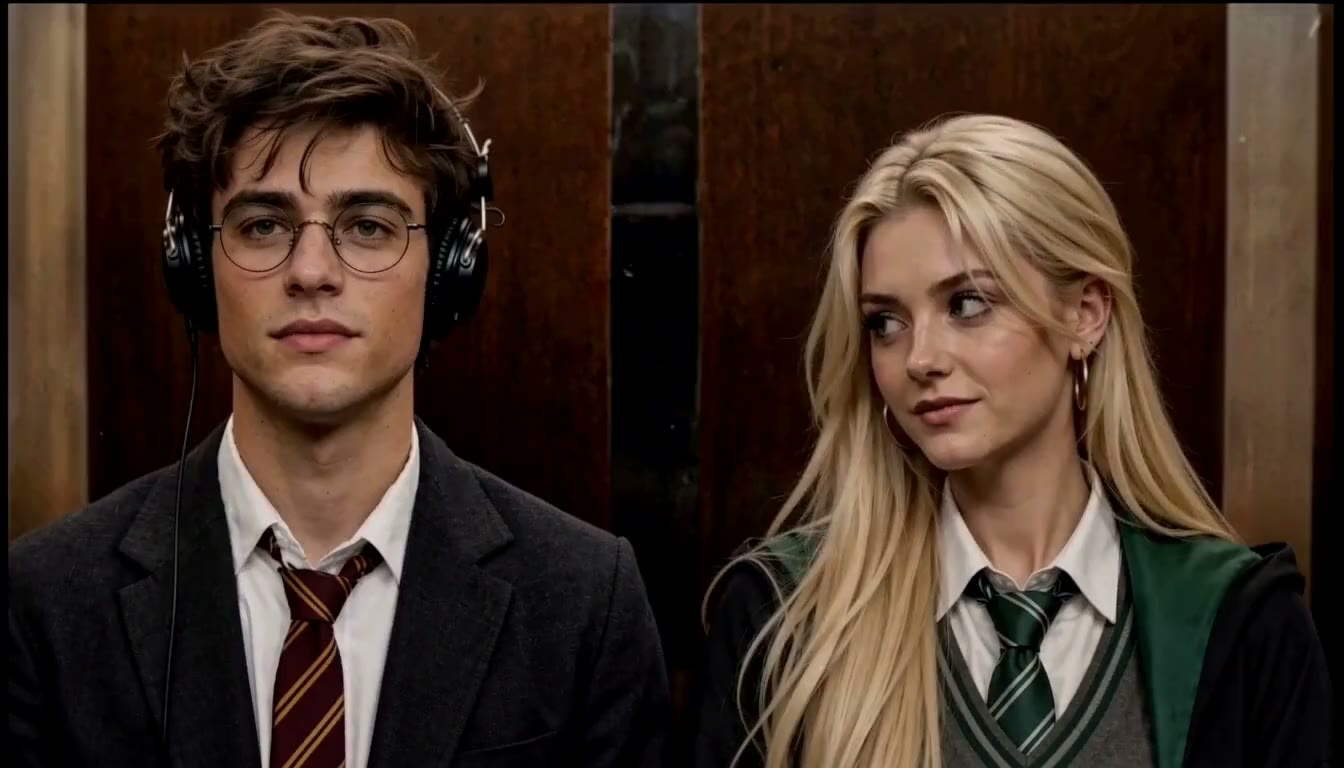
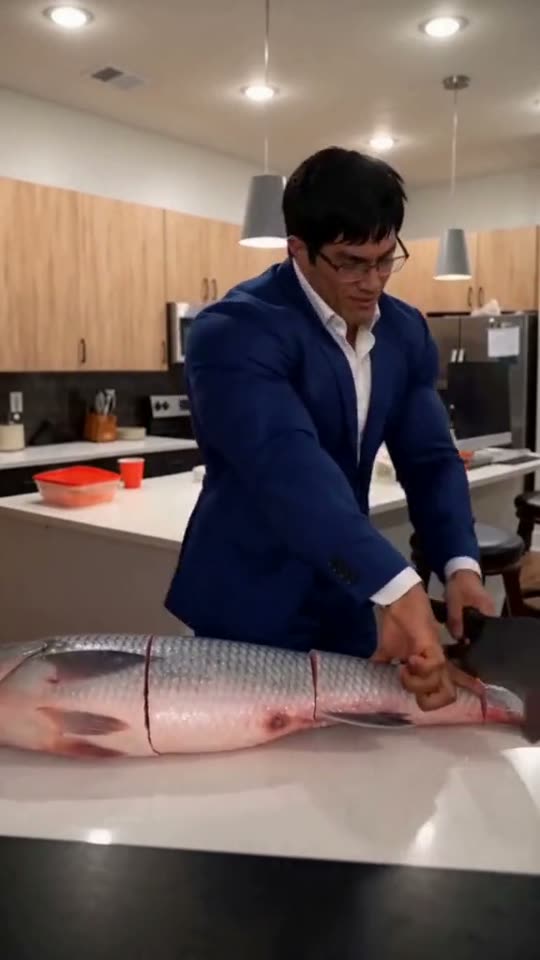
 Clone the Video
How-to guide
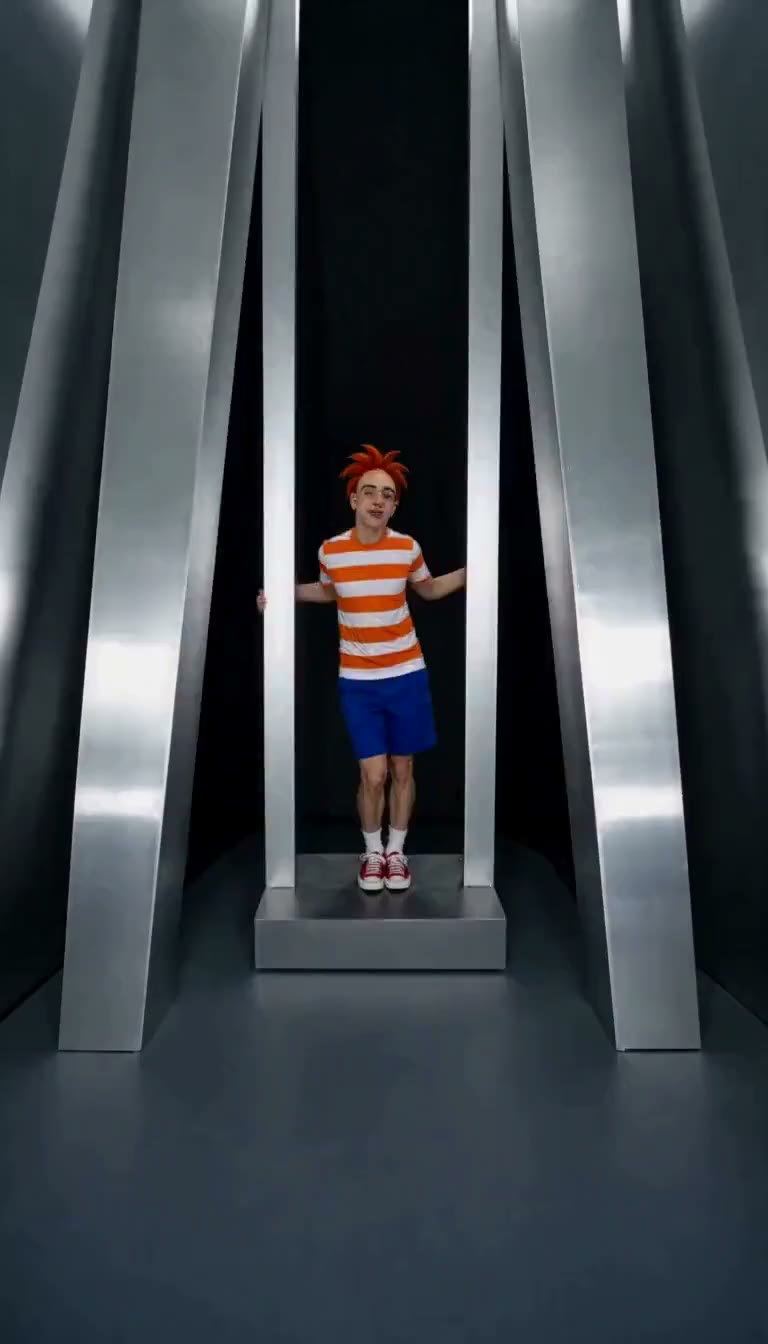
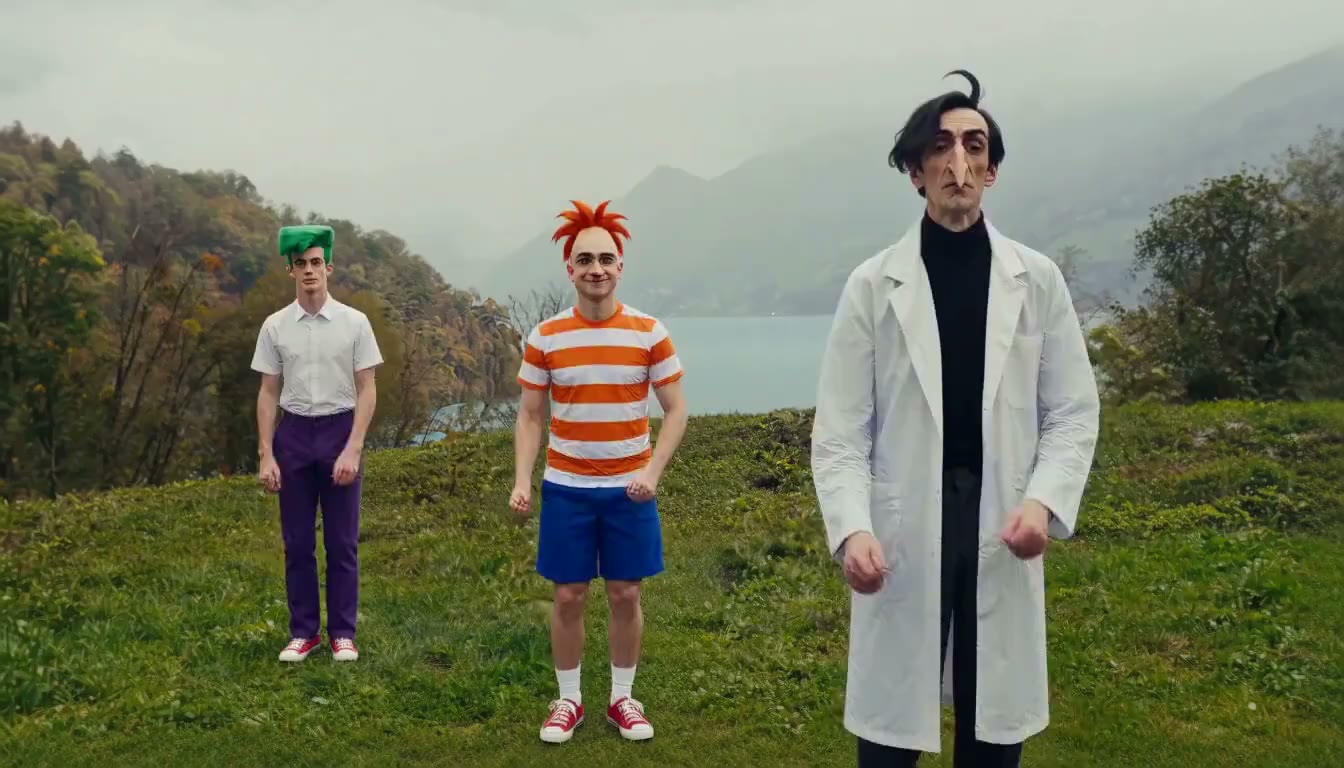
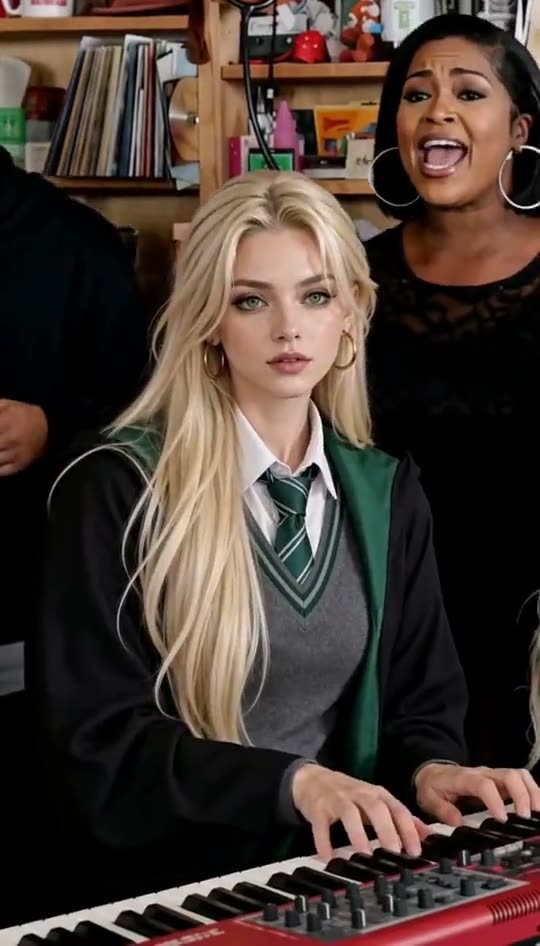
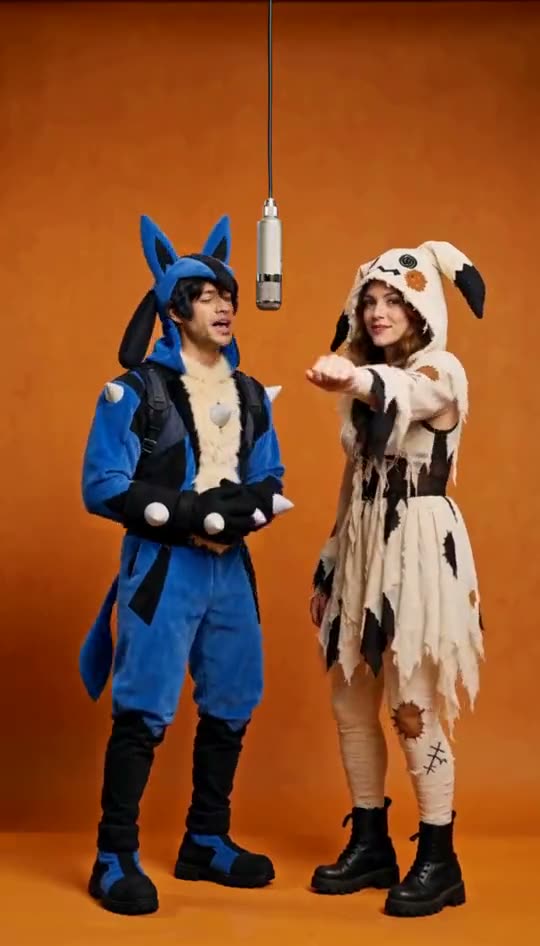
How to make the Outstanding Tiny Desk AI video
Sound includedFailed videos refunded automaticallyPhotos deleted after 30 days
Updated 2026-11-26
Upload one clear photo of one adult, choose Outstanding Tiny Desk AI, and download the 15-second 9:16 video with sound. A full video costs 50 credits.
- 01Choose the template
Open Outstanding Tiny Desk AI and check the photo count and length.
- 02Add your photos
Add your photo to the photo slot.
- 03Generate the video
Start the 15-second video. A full video costs 50 credits.
- 04Download and post
Download the video with sound and post it.
What you need
- One clear, well-lit photo of one adult who agreed to be used
- A phone or computer with a browser; no app to install
Make your own Outstanding Tiny Desk AI video
Make my videoBack to the generator: make a trend video from a photo